


- 🏆 Best Overall — PlaylistGo: Highest accuracy, local processing, supports local file formats
- 📱 Best Mobile Option — FreeYourMusic: Works on iOS, Android, Linux
- 🌐 Best Browser Tool — TuneMyMusic: Fastest to get started, no installation needed
- 🔌 Best Platform Support — Soundiiz: 45+ services including niche platforms like Bandcamp and Navidrome
- 🍎 Best for iPhone — SongShift: Native iOS app with pre-transfer match review
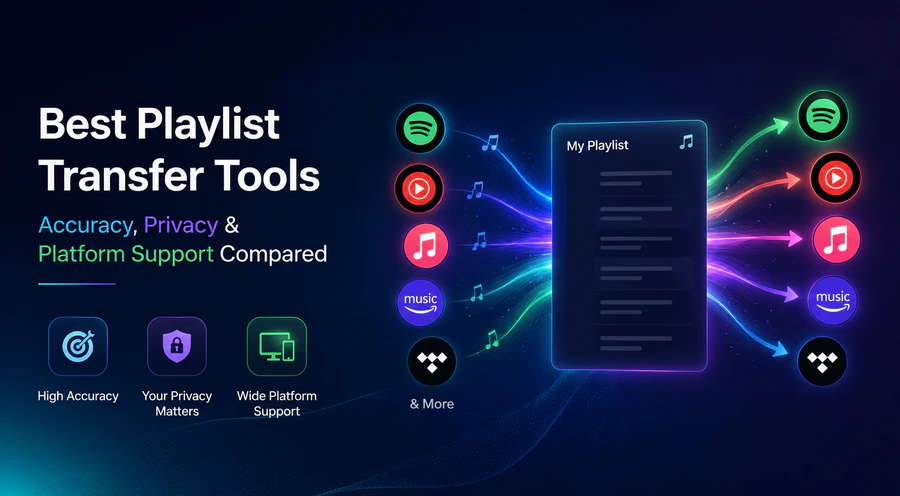
Looking for the best playlist transfer tool? Switching streaming services without losing your playlists is one of the most common headaches in music right now. The tools that handle this vary a lot in accuracy, privacy, and what they actually support.
We tested five of the top playlist transfer tools in 2026 — PlaylistGo, FreeYourMusic, Soundiiz, TuneMyMusic, and SongShift — and broke down what each one does well and where it falls short.
Playlist Transfer Tools: Quick Comparison
| Tool | Accuracy | Matching Method | Local Processing | Local File Support | Lifetime Plan |
|---|---|---|---|---|---|
| PlaylistGo | 99.2% | ISRC + metadata | ✅ | ✅ 10 formats | ✅ $49.95 |
| FreeYourMusic | ~92% | Text-based | ✅ | ❌ | ✅ €199.99 |
| Soundiiz | ~90% | Text-based | ❌ | ⚠️ Limited | ❌ |
| TuneMyMusic | ~88% | Text-based | ❌ | ⚠️ CSV/TXT only | ❌ |
| SongShift | ~85% | Text-based | ❌ | ❌ | ✅ $59.99 (Family) |
* Accuracy figures are based on our internal testing across selected platform pairs. Results may vary depending on your library and the platforms you're moving between.
How We Evaluated These Playlist Transfer Tools
Our Testing Process
We tested each tool using the same playlists: 100 mixed tracks, a 1,000-song library, and tricky edge-case sets (live cuts, remasters, regional releases, multi-version tracks). We recorded match counts, missing songs, wrong track swaps and transfer speeds for every move. Our accuracy data is from internal platform tests; your results may differ based on your library and target services.
Tools that only rely on song names and artists usually work fine, but they mess up remixes, live tracks, regional releases and remastered albums. Tools using ISRC codes pinpoint the exact audio recording and perform far better with huge music libraries.
Web-based tools send all your playlists through their servers. Desktop tools that process locally keep your data on-device. This is critical, since your streaming library holds years of your personal listening habits.
Web tools often freeze or crash once you hit 10,000+ tracks. Desktop programs have no such limits.
Most people only transfer playlists once or twice ever. Monthly subscriptions are a bad deal for a tool you barely use.
Best Playlist Transfer Tools Compared: Reviews, Features & Pricing
PlaylistGo — Best Overall Playlist Transfer Tool
Best for: For users who've dealt with mismatched songs and missing tracks before and need reliable, accurate transfers.
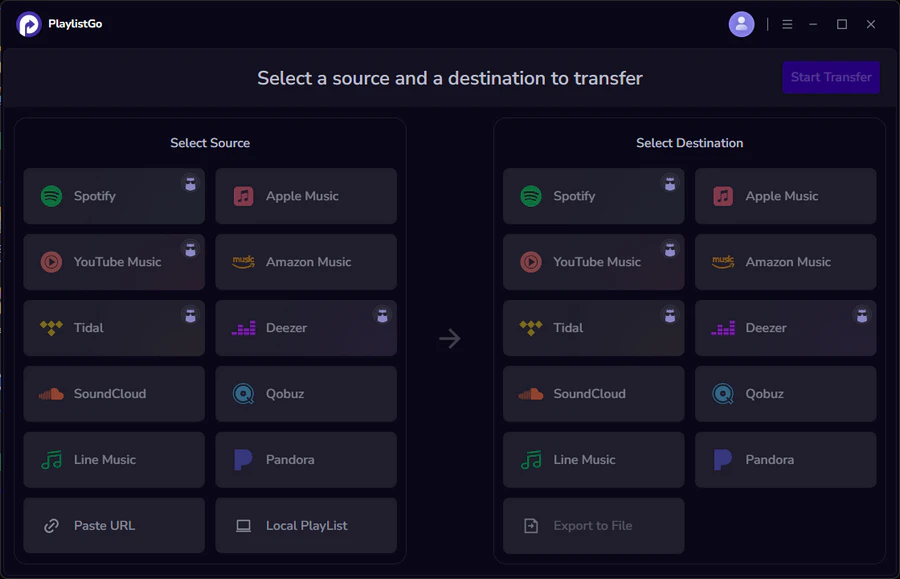
PlaylistGo is a desktop app for Windows and Mac that does everything locally — no cloud processing, no data leaving your device. It matches songs by title, artist, album, and ISRC code, which is what gets it to 99.2% accuracy across the transfers we tested. If you've dealt with web tools silently swapping in the wrong version of a track, the difference is noticeable pretty quickly.
It supports local files like M3U, CSV, XML and JSON for DJ apps, media servers or backups. Large libraries won't time out or crash mid-transfer, unlike most web tools. PlaylistGo covers 10 widely-used streaming services, including Spotify, Apple Music, YouTube Music, Amazon Music, TIDAL, Deezer, SoundCloud, Qobuz, Pandora, Line Music, and more.
Transfer Your Playlists with PlaylistGo Try It Free
Move playlists between Spotify, Apple Music, YouTube Music and more with a 99.2% match rate. All processing stays on your device.
Pros
- Matches songs using ISRC codes for 99.2% accuracy
- Everything runs on your computer; your data never goes to outside servers
- Supports 10 local file types like M3U, CSV, XML and JSON for imports and exports
- Handles libraries with 100,000+ tracks without crashing mid-transfer
- You can buy a one-time permanent license
Cons
- Requires desktop installation (Windows 10/11 or macOS 11+)
- Fewer platforms than web-based tools
| Plan | Price | Track Limit |
|---|---|---|
| Free Trial | $0 | Sample transfer to test accuracy |
| Monthly | $14.95 | Unlimited |
| Annual | $25.95 (~$2.16/month) | Unlimited |
| Lifetime | $49.95 | Unlimited |
FreeYourMusic — Best Mobile Playlist Transfer App
Best for: For users who want transfer tools for every device (computer, phone, tablet) and aren't stuck with just one OS.
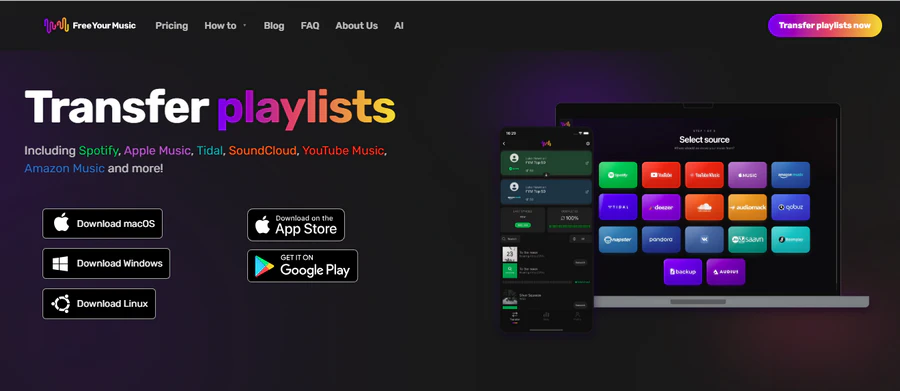
FreeYourMusic is the only tool here that works natively on Windows, Mac, Linux, iOS and Android. If you need to manage transfers from your phone or you're on Linux, it's pretty much the only viable option with decent accuracy.
The Rematch feature is genuinely useful: when a track lands on the wrong version, you can browse alternatives and swap it in without leaving the app. Auto-sync claims every 15 minutes, but server delays often make it slower — don't count on instant updates if you depend on this feature.
Pros
- Rematch lets you browse alternative versions and swap in the correct one without leaving the app
- Auto-sync every 15 minutes across all connected platforms
- Cloud backup included on paid plans
- One license works for multiple accounts
Cons
- Can't import or export local files like M3U, CSV
- Transfers with over 50,000 songs often break halfway, especially when moving playlists to Apple Music
- All imported playlists automatically get a "imported by FreeYourMusic" note, and you can't turn this off
- Auto-sync is advertised as 15 minutes but server congestion often makes it take much longer
| Plan | Price | Track Limit |
|---|---|---|
| Free | $0 | 600 tracks total |
| Quarterly | €14.99 | Unlimited |
| Annual | €39.99 | Unlimited |
| Lifetime | €199.99 | Unlimited |
Soundiiz — Best for Niche Platform Support
Best for: Users transferring to or from a niche platform that nothing else in this list supports.
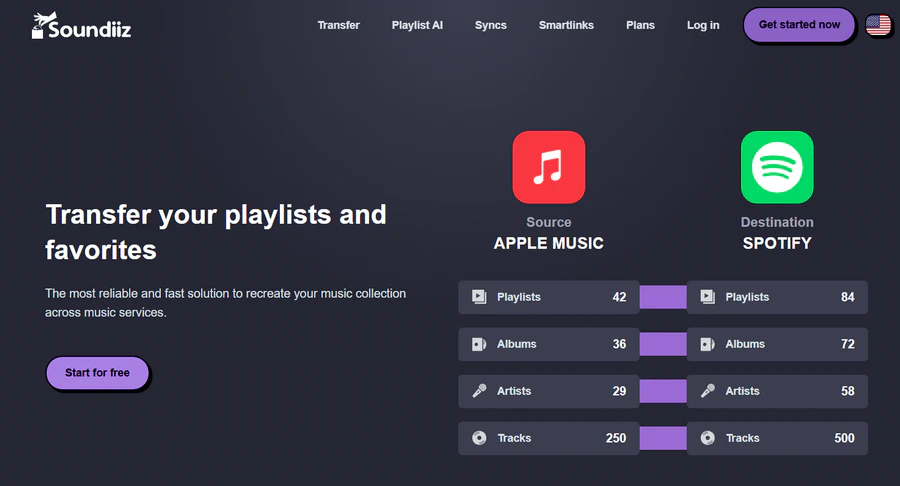
Soundiiz is the go-to option if you need to move songs to a streaming platform other tools don't support. It works with over 45 services, including niche picks like Bandcamp, ListenBrainz, Subsonic, and Navidrome alongside all the major platforms. It supports far more platforms than every other tool we compared.
It also does more than just transfer: you can set custom auto-sync times, shuffle playlists, delete duplicate tracks, and even create AI-generated playlists. These extra functions don't matter much if you only need a one-time playlist move, but they're helpful for anyone who regularly manages music libraries across multiple streaming services.
Pros
- Works with over 45 music platforms; it's the only tool that supports lesser-known services
- Auto-sync on daily, weekly, or monthly schedule
- AI playlist maker: type a text prompt to create new playlists and send them straight to your streaming app
- Smartlinks: one shareable URL that works across all supported platforms
- Playlist management tools beyond transfer: shuffle, clone, and duplicate removal
Cons
- Transfer records get erased after 7 days
- No one-click instant sync. You have to manually re-transfer if you want fresh updates right away.
- Cannot sync Spotify-generated playlists (e.g. "Top Songs", Discover Weekly)
- Interface is overly complicated for users who just need a one-time playlist move.
| Plan | Price | Limit |
|---|---|---|
| Free | $0 | 1 playlist at a time, 200 tracks/playlist |
| Premium | $5/month or $39/year | Unlimited; up to 20 sync slots |
| Creator | $9.5/month or $75/year | Advanced Smartlinks + more sync slots |
TuneMyMusic — Best Browser-Based Playlist Transfer Tool
Best for: Anyone who wants to get a quick transfer done in the browser.
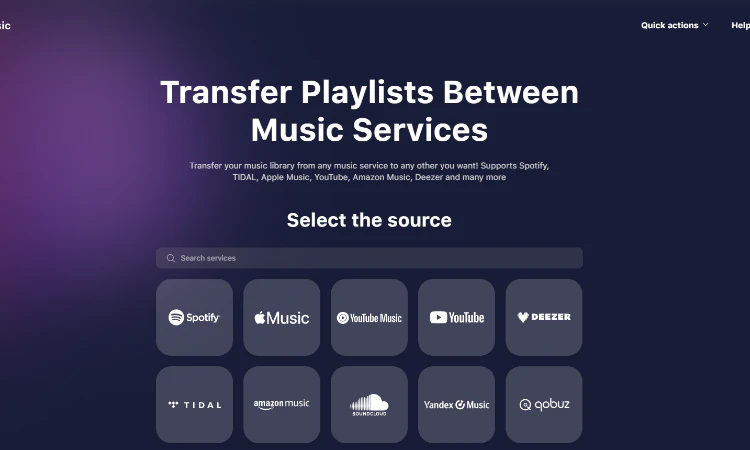
TuneMyMusic is the easiest tool to get started with. No downloads needed — just open it in your browser and start moving playlists in a few clicks. The free tier covers 500 tracks total, and it works fast for basic transfers between big apps like Spotify, Apple Music, YouTube Music and TIDAL.
Where it falls short is accuracy. The transfer report flags missing tracks by name, which is helpful, but it never warns you if it replaces your original track with a different version (such as a single or live recording). Our own testing found mismatch rates as high as 34% on certain platform pairs, so if you care about ending up with the right version of every track, you'll want to do a manual check after the transfer.
Pros
- Transfers the fastest out of all tools we tested
- No installation needed; runs entirely in-browser on any device
- Free limit of 500 songs, the best free offer among all web-based playlist tools here
- After transfer, it lists all songs it couldn't find by name, and you can save this list as a CSV file
Cons
- It won't alert you if it matches the wrong track, like swapping an album version for a single
- It keeps access to your music accounts after transfers; you need to manually disconnect them
- Some users have reported billing issues after cancellation
- Playlist order is not always preserved on the destination platform
| Plan | Price | Track Limit |
|---|---|---|
| Free | $0 | 500 tracks total |
| Monthly | $5.5 | Unlimited |
| Annual | $24 | Unlimited |
SongShift — Best Playlist Transfer App for iPhone
Best for: iPhone users who want to review and fix matches before the transfer runs.
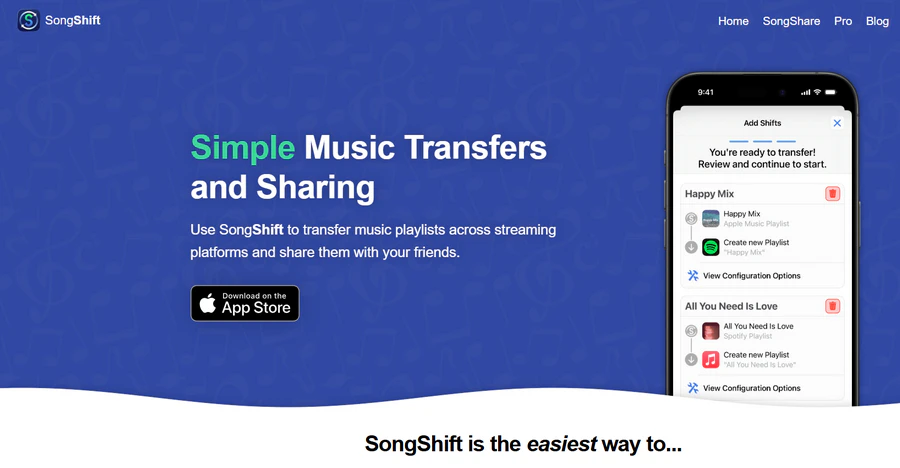
If you're an iPhone or iPad user, SongShift is the smoothest native app choice. Its standout feature is match review: before you start moving playlists, you can check all suggested song matches and fix wrong versions yourself. It covers the major platforms plus some niche sources like Discogs, LastFM, and HypeMachine that most competitors don't touch.
Even so, several advertised features don't perform well in real use. Plenty of App Store reviews mention auto-sync often freezes and needs manual fixes. If you're considering paying for Pro mainly for this feature, it's worth testing the free tier thoroughly first.
Pros
- Preview all song matches before transferring. You can fix mismatched tracks ahead of time.
- Works with unique lesser-known platforms: Discogs, LastFM and HypeMachine.
- Generate a universal playlist link shareable on all streaming services.
Cons
- Only works on Apple devices; no Android, Windows, Linux or web version available
- Auto-sync feature doesn't work steadily
- Big playlists often freeze or fail to move, especially when transferring to Apple Music
- Transferred playlists get an attribution tag added by default
| Plan | Price | Notes |
|---|---|---|
| Free | $0 | 200 tracks/shift, unlimited shifts (with ads) |
| Pro Monthly | $6.99 | Ad-free, unlimited |
| Pro Annual | $29.99 | Ad-free, unlimited |
| Pro+ Monthly | $9.99 | Additional features |
| Pro+ Annual | $39.99 | Additional features |
| Lifetime | $99.99 | One-time purchase |
How to Choose the Right Playlist Transfer Tool
| Your situation | Best pick |
|---|---|
| Large library, care about accuracy, want local processing | PlaylistGo |
| Need transfers on iPhone or Android with high accuracy | FreeYourMusic |
| Migrating to/from a niche platform (Napster, Bandcamp, etc.) | Soundiiz |
| Small library, want fastest browser-based transfer | TuneMyMusic |
| iPhone/iPad user, want to review matches before transferring | SongShift |
Ready to move your playlists? Try It Free
PlaylistGo's free trial lets you test match accuracy before transferring your full library.
Frequently Asked Questions About Playlist Transfer Tools
Which Playlist Transfer Tool Should You Use?
For most users, PlaylistGo is the strongest pick — highest accuracy, local processing, and the only tool here that handles local file formats. If you need mobile access, go with FreeYourMusic. Niche platform? Soundiiz. Quick browser transfer? TuneMyMusic. iPhone only? SongShift.
The right choice really comes down to library size, which platforms you're moving between, and how much version accuracy matters to you.

PlaylistGo – Best Desktop Transfer Tool
The fastest and most reliable way to move entire Spotify library to Apple Music, YouTube Music, TIDAL, etc. 100% offline • No Cloud Required • 99.2% success rate



 Language ▴