











Music Enthusiast
✓ Verified User


Move playlists, albums, liked songs and more between Spotify, Apple Music, YouTube Music, Tidal, Deezer and more in minutes. Desktop-first · 99.2% Match Rate · 100% local & private
Industry-leading song matching — even for rare tracks and local files.
Handles thousands of tracks and massive libraries without breaking a sweat.
No cloud upload. Your data never leaves your computer.

Rated by 5,000+ users


PlaylistGo has already transferred over 100,000 playlists across Spotify, Apple Music, YouTube Music, Amazon Music and Tidal for our first users. Join 9,000+ music lovers who moved their playlists this month!

Countries


Playlists transferred












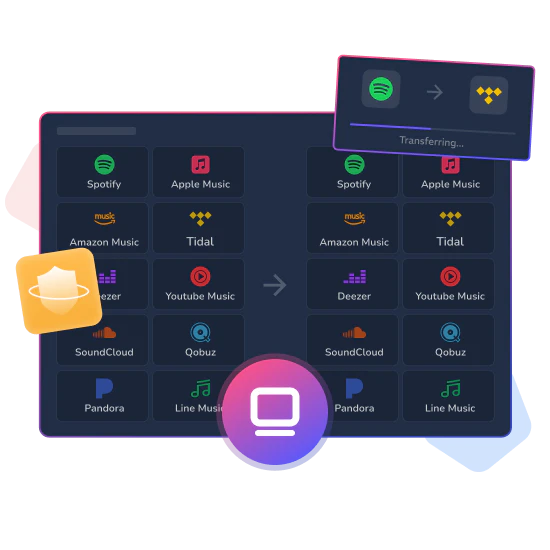
Managing 10,000+ or even 50,000+ tracks? Most online transfer tools crash or time out at this scale, leaving your transfer incomplete.
PlaylistGo runs directly on your Windows PC or Mac, processing everything locally for a stable, uninterrupted transfer. No cloud servers, no dropouts. The bigger your library, the more it matters.
 Transfer playlists of any size without crashes or failed transfers.Every playlist, album, and liked song transfers completely.No timeouts. Transfers finish even for libraries with 100,000+ tracks.
Most online transfer tools match by title alone. You may end up with wrong versions, live editions, or mismatched metadata on the other side.
PlaylistGo cross-references track title, artist, album, and ISRC code to find the exact version — deluxe editions, regional releases, and remastered tracks included. Any unmatched songs are clearly flagged so you can review and fix them manually.
Matches the exact version, not just any version with the same title.Preserves original song order, playlist names, and full metadata.Unmatched tracks clearly listed, nothing silently dropped.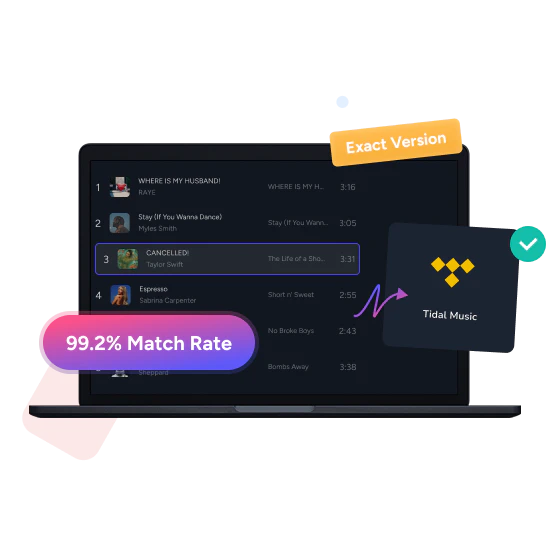
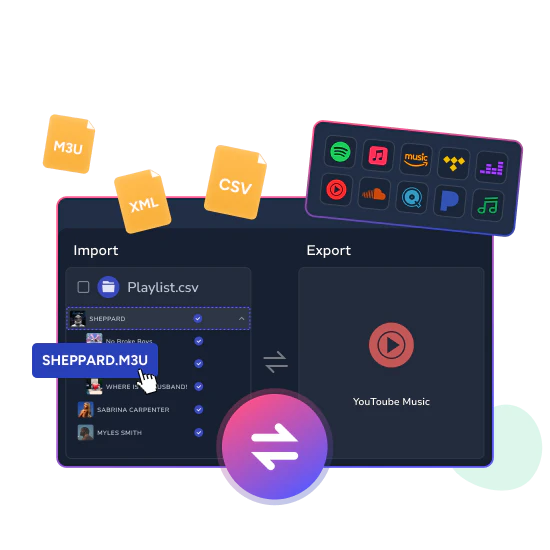
Most transfer tools only move playlists between platforms. PlaylistGo also connects your local files directly with streaming service.
You can import playlist files directly into any streaming services in 10 formats, including M3U, M3U8, PLS, XSPF, XML, CSV, XLS, XLSX, JSON, and TXT. Once your library is ready, you can export your playlists back to your computer in the same formats, perfect for backup, migration, or editing in Excel.
All processing happens locally. Your data never leaves your device.
Import from any file format into Spotify, Apple Music, YouTube Music, and more.Export full libraries as local backups.100% local processing. No cloud upload, no data collection.Moving your music with PlaylistGo is simple and straightforward — no complex steps required. It's easier than you think. Skip the hassle and move your playlists in minutes — without the fuss.


Choose the source music service and
the specific playlist you want to export.


Select the destination music service
where you wish to import the playlist.

Click the Start Transfer button to initiate
the automatic transfer process for your playlist.
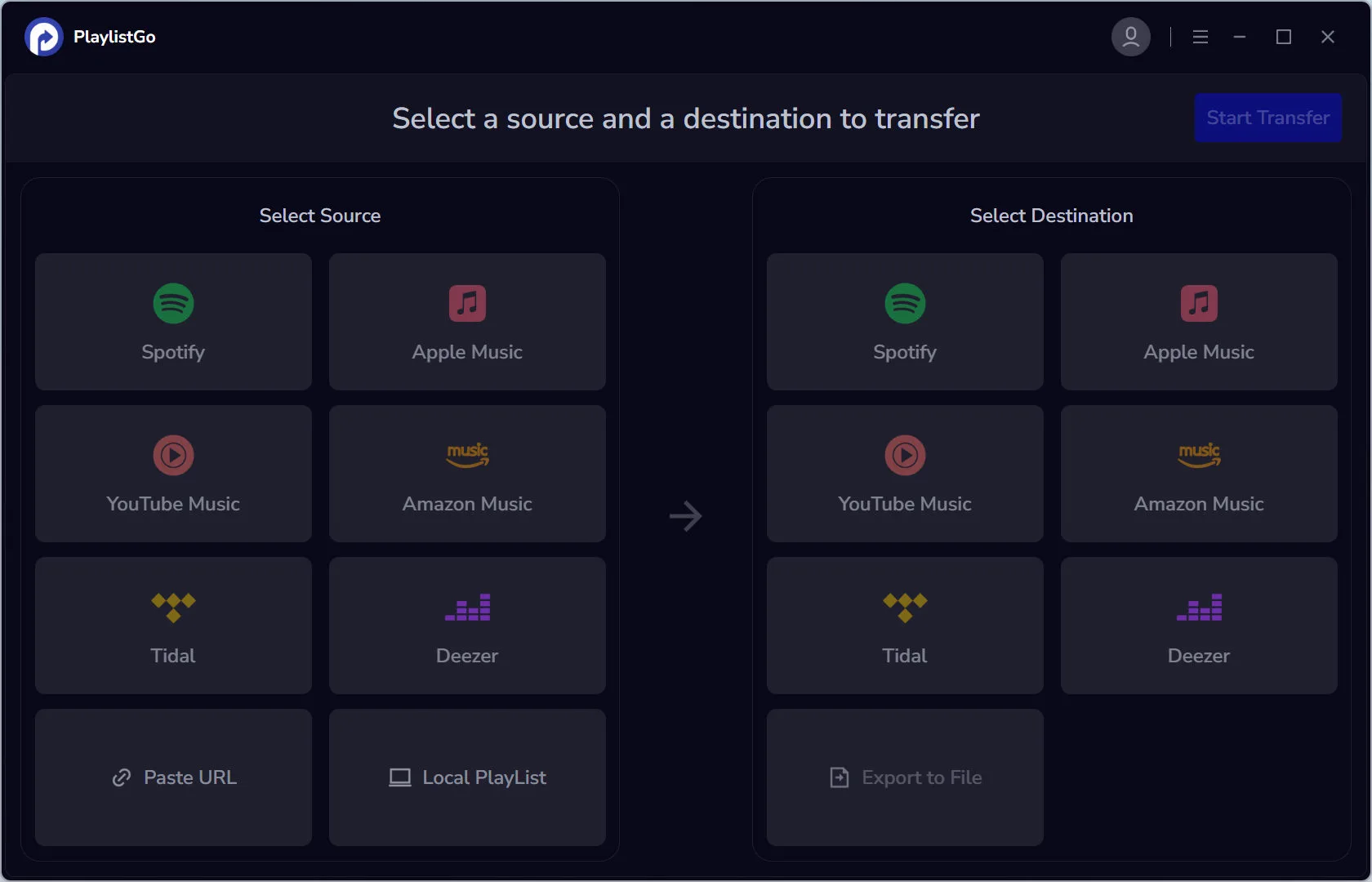

No more transferring one playlist at a time. Select dozens (or hundreds) of playlists, albums, Liked Songs — your whole library — and move everything at once. Start it, grab coffee, come back to everything already waiting on the new platform.
Our engine uses title, artist, album, ISRC, and real audio fingerprints to find the exact track — even when metadata is a mess across platforms. 99% success rate. The rare misses? Neatly listed so you can fix them in seconds.
Browser tools crash above 10k songs. PlaylistGo doesn’t. Lightning-fast, no timeouts, no expired sessions, credentials encrypted locally. 100 tracks or 200,000 — same bulletproof speed, every single time.
"PlaylistGo is incredibly easy to use. I transferred my entire Spotify playlist to Apple Music in just a few minutes. The matching was accurate, and there were virtually no missing songs. The entire process is completed locally, which makes it very safe to transfer my music library."

Music Enthusiast
✓ Verified User

"I've used Soundiiz and TuneMyMusic before, but PlaylistGo beats them both. The desktop app is faster, more reliable, and the local export feature is clutch for backing up my DJ playlists. Finally found my permanent solution."

DJ & Producer
✓ Verified User
"Managing music across Spotify and YouTube Music for my show was a nightmare. PlaylistGo's batch transfer feature lets me keep both platforms synced effortlessly. The time I save now lets me focus on content creation instead of playlist management."

Podcast Host
✓ Verified User
"As someone who's been collecting music for 20+ years, having local backups of my streaming playlists gives me peace of mind. PlaylistGo exports in multiple formats - I use CSV for cataloging and M3U for my home media server. Brilliant tool."

Audiophile
✓ Verified User
"Tried the free alternatives first, but they couldn't handle my library size and kept timing out. PlaylistGo's desktop app processed my 5,000+ song library from Tidal to Deezer flawlessly. The investment paid off immediately."

Marketing Manager
✓ Verified User
"Clean interface, straightforward process, and it just works. Transferred my entire Apple Music library to Spotify for a family plan migration. Zero hassle, high accuracy. Recommended to all my colleagues already!"

Software Engineer
✓ Verified User
See why music lovers choose PlaylistGo for large libraries and accurate transfers.
| Feature | PlaylistGo | Soundiiz ** | TuneMyMusic ** |
|---|---|---|---|
| Platform | Desktop (Win & Mac) | Web-based | Web-based |
| Match Accuracy | ✓ 99.2% | ~90% | ~88% |
| Large Library Support | ✓ Unlimited | ✗ May time out | ✗ May time out |
| Local File Import/Export | ✓ 10 formats | 3 formats | 4 formats |
| Data Privacy | ✓ 100% local | ✗ Cloud-based | ✗ Cloud-based |
| Pre-transfer Preview | ✓ Yes | ✗ No | ✗ No |
| Unmatched Song Report | ✓ Yes | ~ Partial | ~ Partial |
* PlaylistGo match accuracy based on internal benchmark testing across 500,000+ track transfers.
** Soundiiz and TuneMyMusic figures are estimates based on published user reports and independent third-party reviews.

How to transfer Spotify playlists to Apple Music in 2026: step-by-step tutorial (recommended method) plus a comparison of 5 popular tools with pros & cons.
Learn More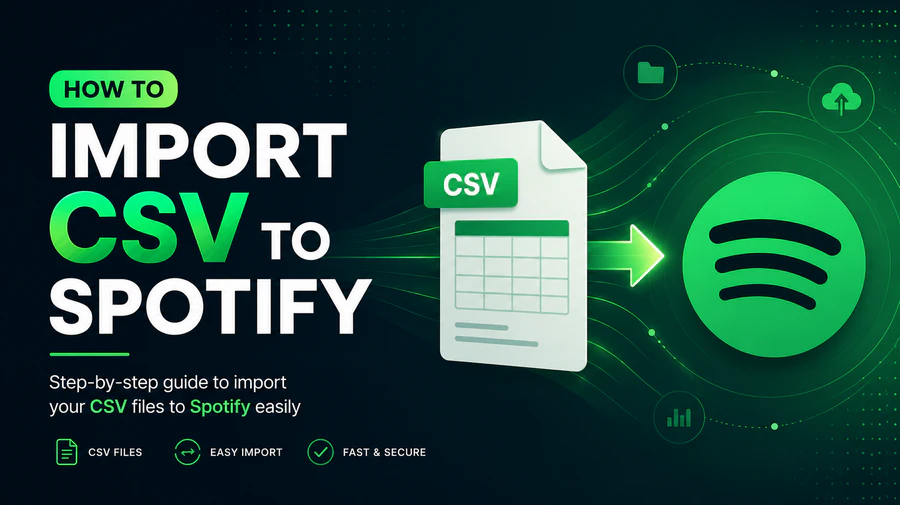
Spotify doesn't support CSV imports natively. Learn how to import any CSV playlist to Spotify automatically using PlaylistGo.
Learn More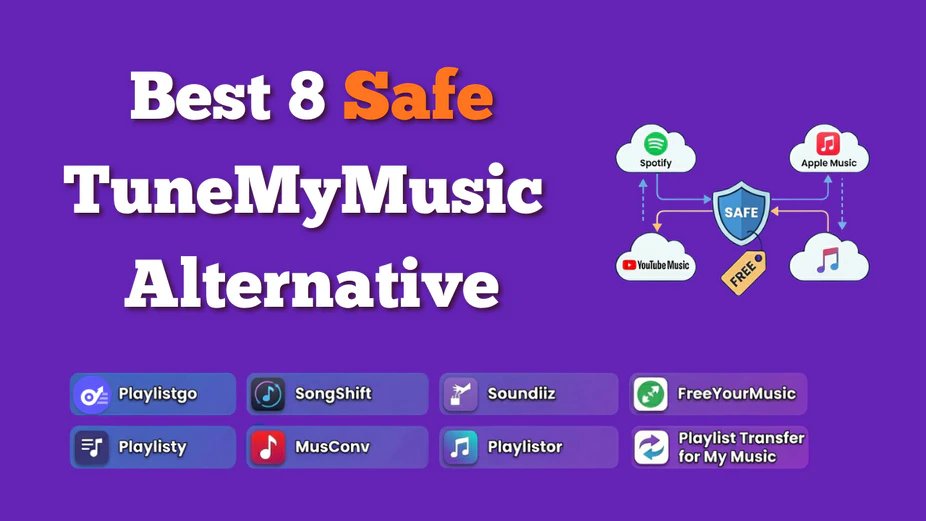
Looking for a safe and free TuneMyMusic alternative? List best 8 playlist transfer tools for Spotify, Apple Music, YouTube Music, and more in 2026.
Learn MoreTransfer Playlists Effortlessly. Sync your music collection across Spotify, Apple Music, YouTube Music, and more with unmatched accuracy.



 Language ▴