









playlistgo logo

Reliable Music Library & Playlist Transfer Across Streaming Services

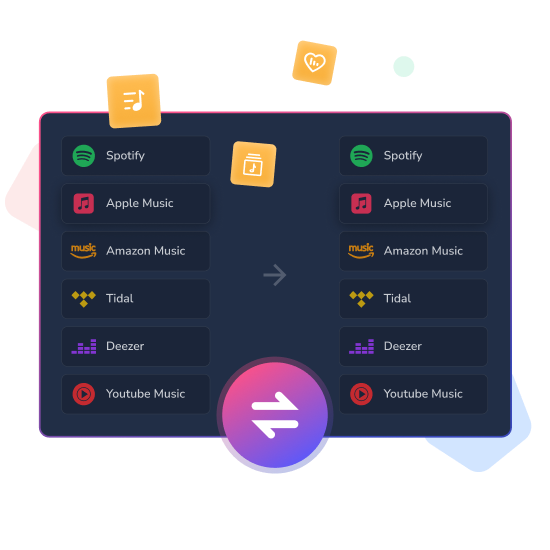
Easily transfer huge playlists and massive music libraries between Spotify, Deezer, Apple Music, Tidal, YouTube Music and more.
Desktop-first · Battle-tested stability · 100% local & private

Fully Local Processing

No cloud upload. Your data never leaves your computer.

Rock-Solid Stability

Reliably handles thousands of tracks and huge libraries.

Local File Support

Import & export your own music files + all major platforms

excellent playlist transfer tool
  • 4.9 / 5.0

Average from 1,000 closed beta testers

Source

Spotify

Playlists 536
Albums 487
Tracks 3952
0
songs transferred
Destination

Apple Music

Playlists 536
Albums 487
Tracks 3952
Transfer Complete!
99.2% matched
playlistgo moves playlists from one platform to another in seconds

PlaylistGo has already transferred over 100,000 playlists across Spotify, Apple Music, YouTube Music, Amazon Music and Tidal for our first users. Join 9,000+ music lovers who moved their playlists this month!

available countries
200+

Countries

success rate
99%

Success rate

transferred playlists
100K

Playlists transferred

Playlist Switching Simplified.

PlaylistGo Works with All Major Streaming Platforms

spotify
apple music
amazon music
youtube music
tidal
deezer
Coming Soon qubuz
Coming Soon beatport
Coming Soon soundcloud
Coming Soon pandora
Coming Soon line
more platforms
transfer playlists between Spotify and Apple Music interface screenshot
Switch Services. Keep Your Playlists.

Stable playlist migration for large libraries

If you're managing 10,000+ or even 50,000+ tracks, you already know how unreliable most cloud or web playlist transfer tools can be. Crashes, timeouts, and incomplete transfers are all too common.

PlaylistGo runs directly on your Windows PC or Mac, using your full system resources to handle the job properly. The result is smoother transfers, far fewer failures, and a much more reliable experience — even with very large music libraries.

  • Transfer massive playlists with tens of thousands of tracks without crashes or interruptions.
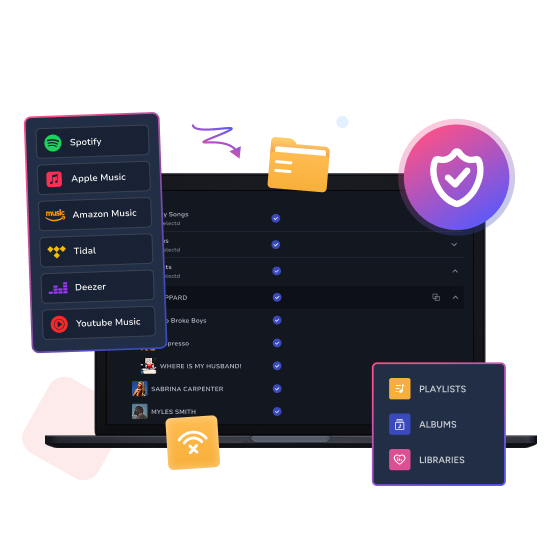
  • Keep large music libraries organized and consistent across platforms, even at scale.
  • Move your entire collection to a new service without missing tracks or broken playlists.
Never Lose Your Playlists Again.

Local File Import & Export – Move, Backup, and Restore Your Playlists

With PlaylistGo, you can bring your playlists in and out of streaming platforms whenever you need. It connects your local files directly with services like Spotify, Apple Music, Tidal, Amazon Music, Deezer, and YouTube Music, so you can move your music freely without being locked in.

PlaylistGo imports playlist files such as M3U, M3U8, PLS, XSPF, XML, CSV, XLS, XLSX, JSON, or TXT directly into your preferred music service. Whether you're importing playlists exported from other tools, bringing in large batches of existing files, or uploading lists you've edited yourself, it keeps the process smooth and your data organized.

PlaylistGo also exports your playlists, albums, or full libraries from streaming services back to your computer in formats like M3U, CSV, XLSX, JSON, or XML. Whether you're creating a reliable backup, preparing to move to another platform, or editing your playlists in tools like Excel, it gives you a complete and usable copy every time.

import m3u, csv, excel and more to streaming music services
backup your streaming playlists to m3u, csv, excel, etc.
Pure Local & Secure.

100% Local Processing & Secure OAuth Access

Many playlist transfer tools route your data through their own servers, which means your playlists and account data are handled outside your control.

PlaylistGo runs entirely on your Windows PC or Mac and connects directly to Spotify, Apple Music, YouTube Music, Tidal, Amazon Music, Deezer and other official services. Nothing is uploaded, stored, or processed on third-party servers — your data stays where it belongs, on your own device.

How It Works

How to Transfer Playlists Between Streaming Music Services with PlaylistGo

Moving your music with PlaylistGo is simple and straightforward — no complex steps required. It's easier than you think. Skip the hassle and move your playlists in minutes — without the fuss.

line
select source music platfrom
STEP 1
Select Source

Choose the source music service and
the specific playlist you want to export.

line
select target music platform
STEP 2
Select Destination

Select the destination music service
where you wish to import the playlist.

start transfer music playlists
STEP 3
Start Transfer

Click the Start Transfer button to initiate
the automatic transfer process for your playlist.

PlaylistGo - Solution to Music Playlist Transfer

How to Switch Music Services Without Losing Your Playlists

Easily transfer your Spotify playlists to Apple Music instantly
with fast, accurate, one-click playlist migration.

Move your Apple Music playlists to Spotify in minutes
with smart matching, fast transfer, and setup.

Learn how to transfer your Spotify library to YouTube Music
in minutes.

Transfer your Spotify playlists to TIDAL in minutes.
Keep every song, every order, and upgrade to lossless audio.

Switch from Apple Music to TIDAL HiFi easily
with this playlist transfer guide.

Learn how to efficiently transfer your
Apple Music playlists to YouTube Music.

Learn how to easily transfer your Tidal playlists to Apple Music
on the computer, online, and on your phone.

Quickly export your Spotify playlists to CSV files for easy backup,
sharing, and managing your music library efficiently.

Import your CSV playlists into Apple Music to instantly organize,
restore, and enjoy your songs.

Our Superpower

Why Thousands of Music Lovers Choose PlaylistGo?

01
move entire library in one go

Move Entire Libraries in Minutes, Not Hours

No more transferring one playlist at a time. Select dozens (or hundreds) of playlists, albums, Liked Songs — your whole library — and move everything at once. Start it, grab coffee, come back to everything already waiting on the new platform.

02
99% success rate

Smarter Matching That Actually Works

Our engine uses title, artist, album, ISRC, and real audio fingerprints to find the exact track — even when metadata is a mess across platforms. 99% success rate. The rare misses? Neatly listed so you can fix them in seconds.

03
stable music transfer tool

Rock-Solid Performance for Real Libraries

Browser tools crash above 10k songs. PlaylistGo doesn’t. Lightning-fast, no timeouts, no expired sessions, credentials encrypted locally. 100 tracks or 200,000 — same bulletproof speed, every single time.

PlaylistGo User Reviews

What Our Users Say about PlaylistGo

Frequently Asked Questions

Absolutely. Your security and privacy are our top priority. We use official, read-only access (OAuth) to connect to your streaming accounts - meaning we never store your passwords. Your data is encrypted and only used during the transfer process.

We support all major streaming services including Spotify, Apple Music, Amazon Music, Tidal, Deezer, and YouTube Music. Transfer your library, playlists, albums, and liked songs seamlessly between any of these platforms.

Yes! PlaylistGo is built for bulk transfers. You can select and move your complete music library - including all playlists and liked songs - in one smooth operation, saving you time and effort.

We maintain a 99% transfer success rate. Our advanced matching algorithm uses multiple data points to ensure your songs transfer accurately.

When songs can't be matched, they are clearly displayed in the transfer results. You can easily review these tracks and manually search for alternatives in your destination service, or back up them to your local drive, giving you complete control over your final playlist.

Definitely. PlaylistGo bridges your local music collection with streaming platforms. Import playlists from files in M3U, M3U8, PLS, XSPF, XML, CSV, XLS, XLSX, JSON, TXT, and directly into Spotify, Apple Music, and other supported services.

Yes! Beyond platform transfers, you can backup your playlists to local files in multiple formats (M3U, M3U8, XSPF, XML, CSV, XLS, XLSX, JSON, TXT), ensuring you always have safe, offline copies.

We offer a free trial (up to 10 files per album/playlist) so you can verify the service works for you. For unlimited transfers and all advanced features - we offer affordable one-time purchase and subscription options.

As a dedicated desktop application, PlaylistGo typically offers faster transfer speeds and enhanced privacy. We also support more local file formats for import and export, giving you greater flexibility.

You can contact our support team at [email protected] for direct assistance with any transfer issues. We provide prompt help to resolve your problem quickly.
Blog & News

Our Latest Blog & News

  • Vesper Forest
  • 8 Apr 2025

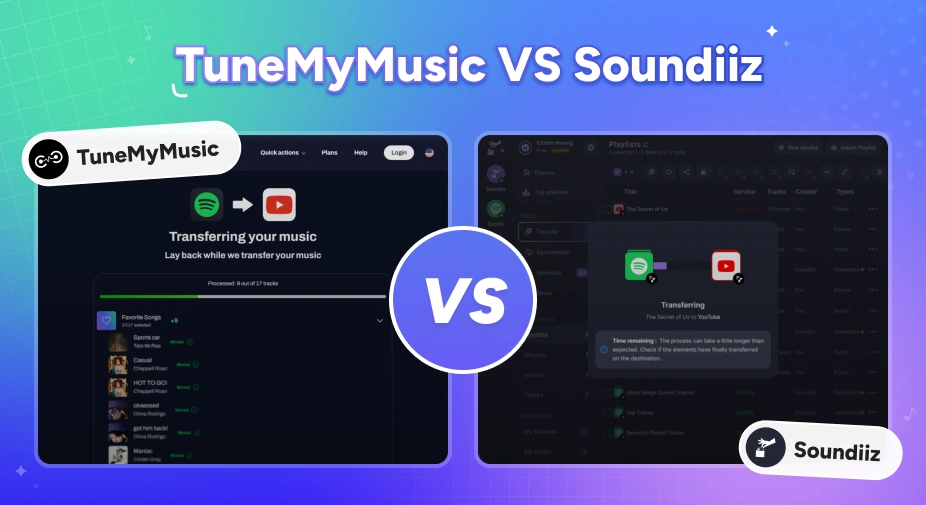
TuneMyMusic vs Soundiiz: Which Playlist Transfer Tool Is Better in 2026?

Moving music platforms? Compare TuneMyMusic vs Soundiiz — speed, accuracy, pricing, and which playlist transfer tool wins in 2026.

Learn More
  • Amie Wood
  • 15 Apr 2026

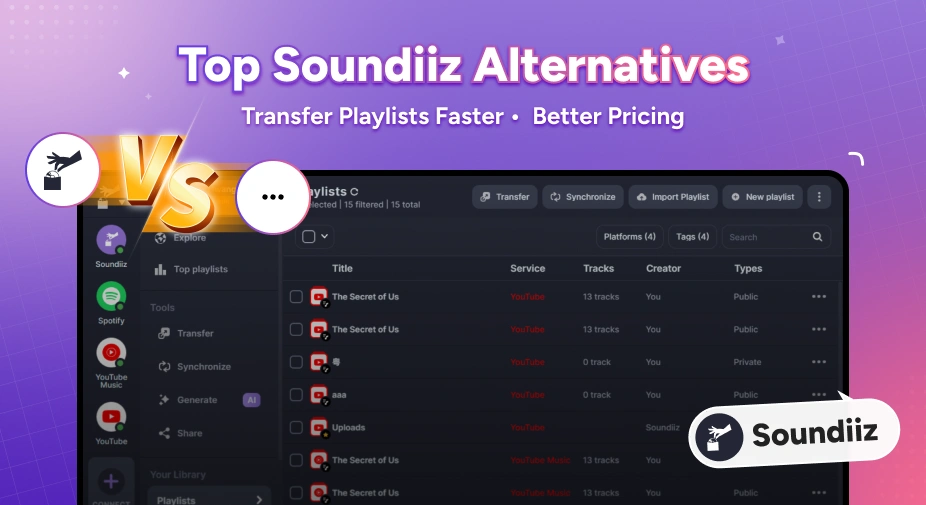
Top 8 Soundiiz Alternatives in 2026

Discover the 8 best Soundiiz alternatives in 2026 — cheaper, faster playlist transfer tools for Spotify, Apple Music, YouTube Music, and more.

Learn More
  • Amie Wood
  • 7 Jan 2026

How to Transfer Spotify to Apple Music

How to transfer Spotify playlists to Apple Music in 2026: step-by-step tutorial (recommended method) plus a comparison of 5 popular tools with pros & cons.

Learn More

PlaylistGo - Move Your Entire Library in Minutes

Transfer Playlists Effortlessly. Sync your music collection across Spotify, Apple Music, YouTube Music, and more with unmatched accuracy.