

Switching music streaming services used to come with a hidden cost: losing the playlists you spent years perfecting. Whether you are leaving Spotify to take advantage of YouTube Music's ad-free experience with YouTube Premium, or simply want access to its vast library of live tracks and remixes, your carefully curated collection shouldn't be left behind. Manually recreating hundreds or even thousands of songs is tedious and time-consuming. Fortunately, there is a faster way. In this guide, we will show you exactly how to transfer your Spotify playlists to YouTube Music using PlaylistGo, a simple yet powerful tool designed to migrate your music library in just a few clicks — saving you hours of work and keeping your playlists intact.
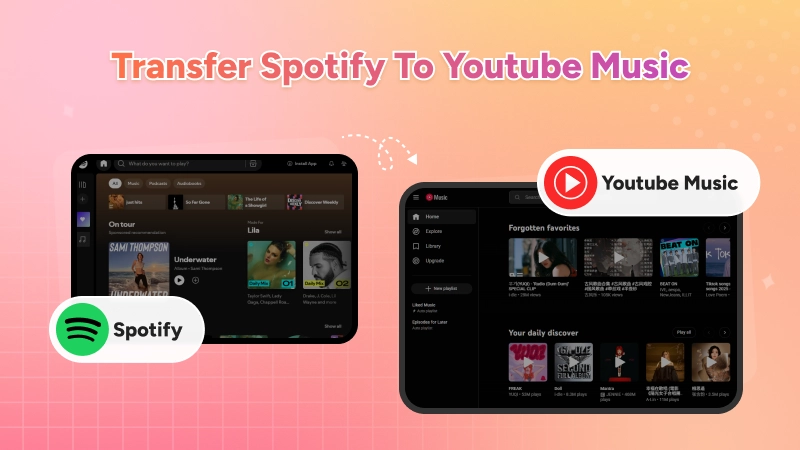
Part 1. Quick Guide: How to Transfer Spotify to YouTube Music
Let's do the math. Manually searching for a single song and adding it to a new playlist takes about 15 seconds. If you have a playlist of 500 songs, that's 7,500 seconds — or over 2 hours of boring, repetitive work. For 2,000 liked songs? You're looking at a full workday. PlaylistGo does the same job in just a few minutes, freeing you up to actually listen to music instead of babysitting a transfer.

PlaylistGo
The fastest and most reliable way to move entire Spotify library to YouTube Music, Apple Music, TIDAL, etc. 100% offline • One-time payment • 99.7% success rate
Ready to save hours? Follow these six simple steps to get started:
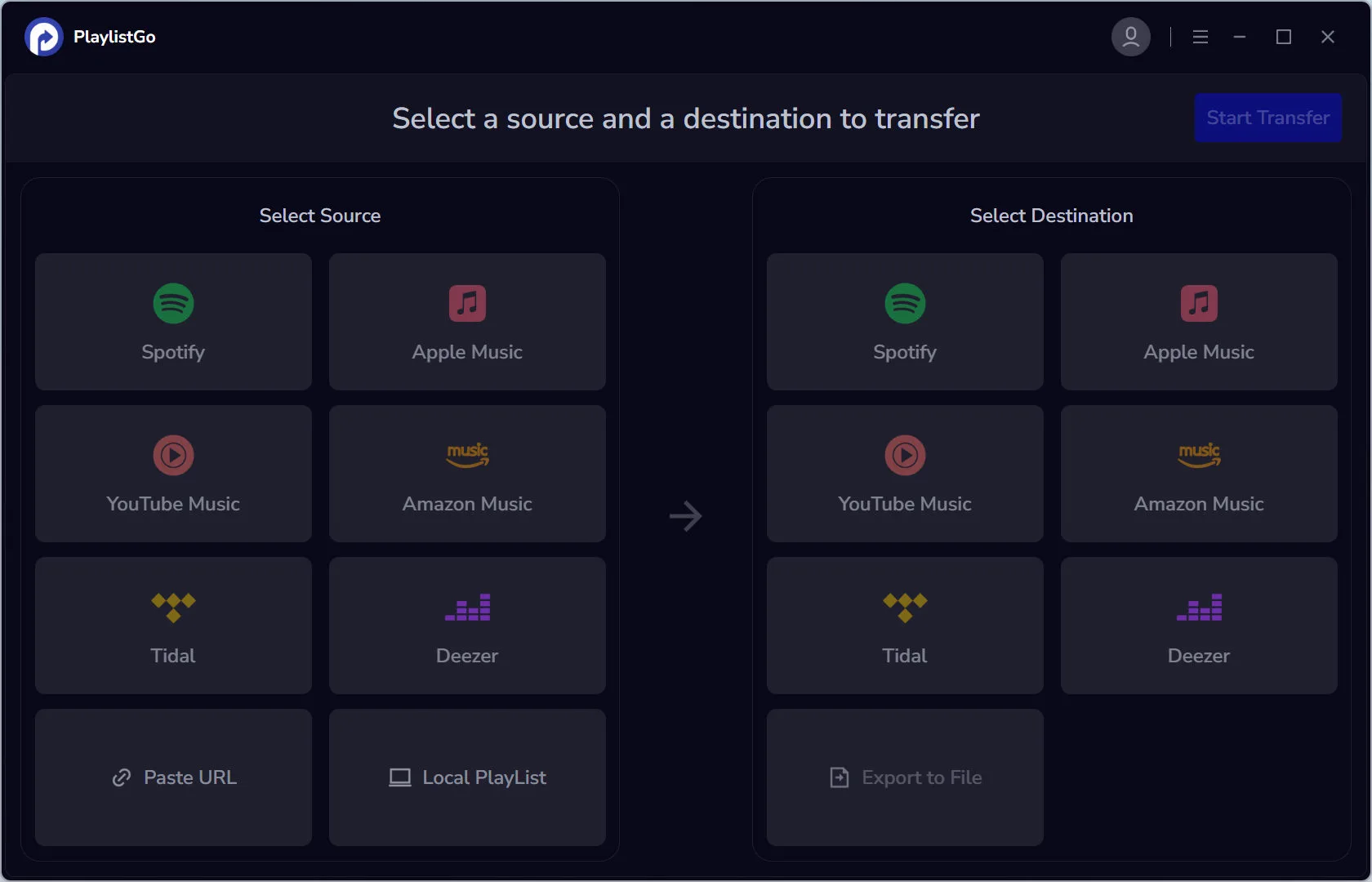
Launch PlaylistGo
Download, install and launch PlaylistGo on your computer.
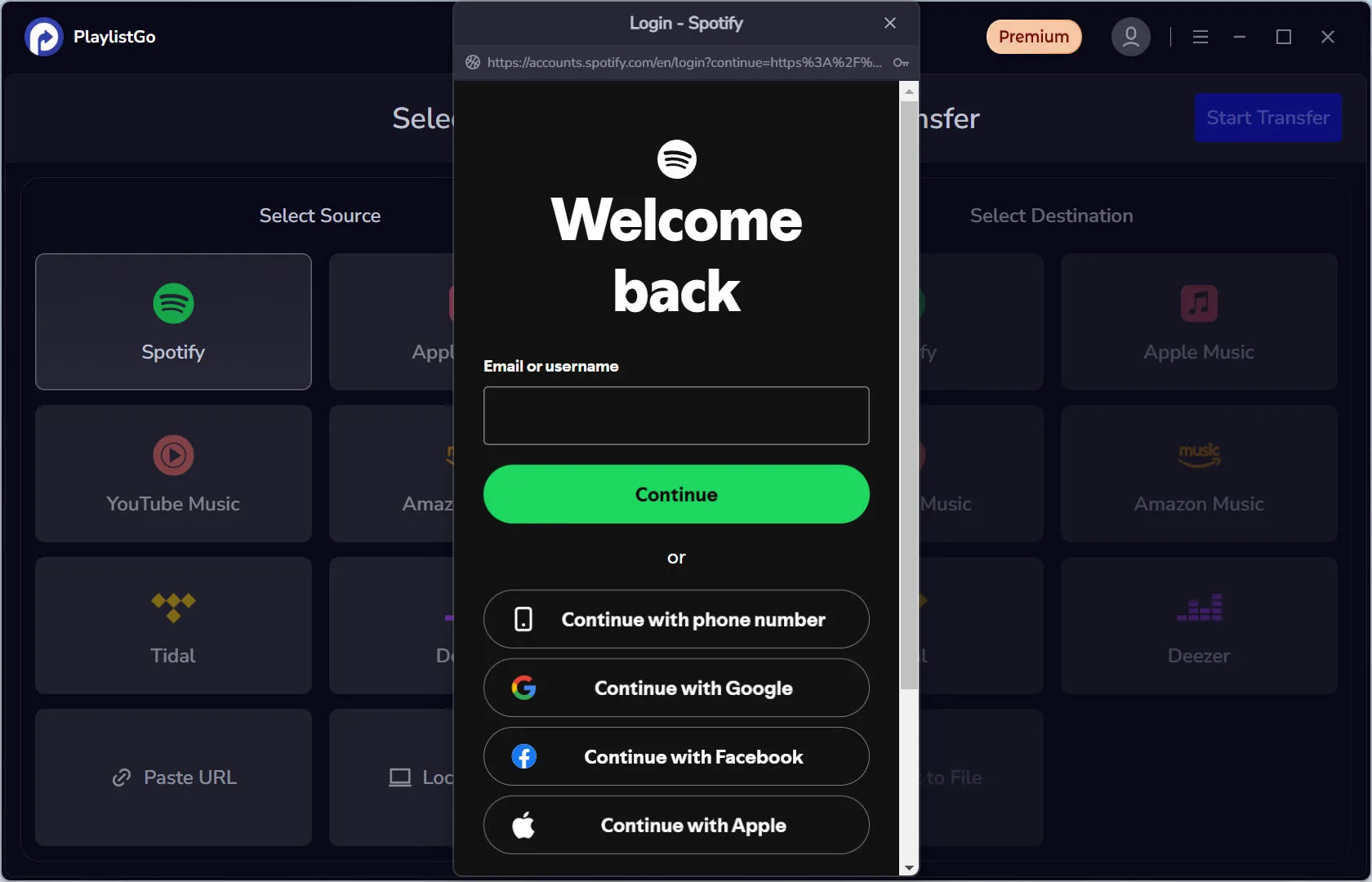
Connect Your Spotify Account
Select Spotify as the source platform, then sign in to your Spotify account to authorize access. (PlaylistGo uses Spotify's official API, so your password is never shared.)
Connect Your YouTube Music Account
Select YouTube Music as your target platform. Sign in to your Google/YouTube Music account and grant PlaylistGo permission to create playlists on your behalf.
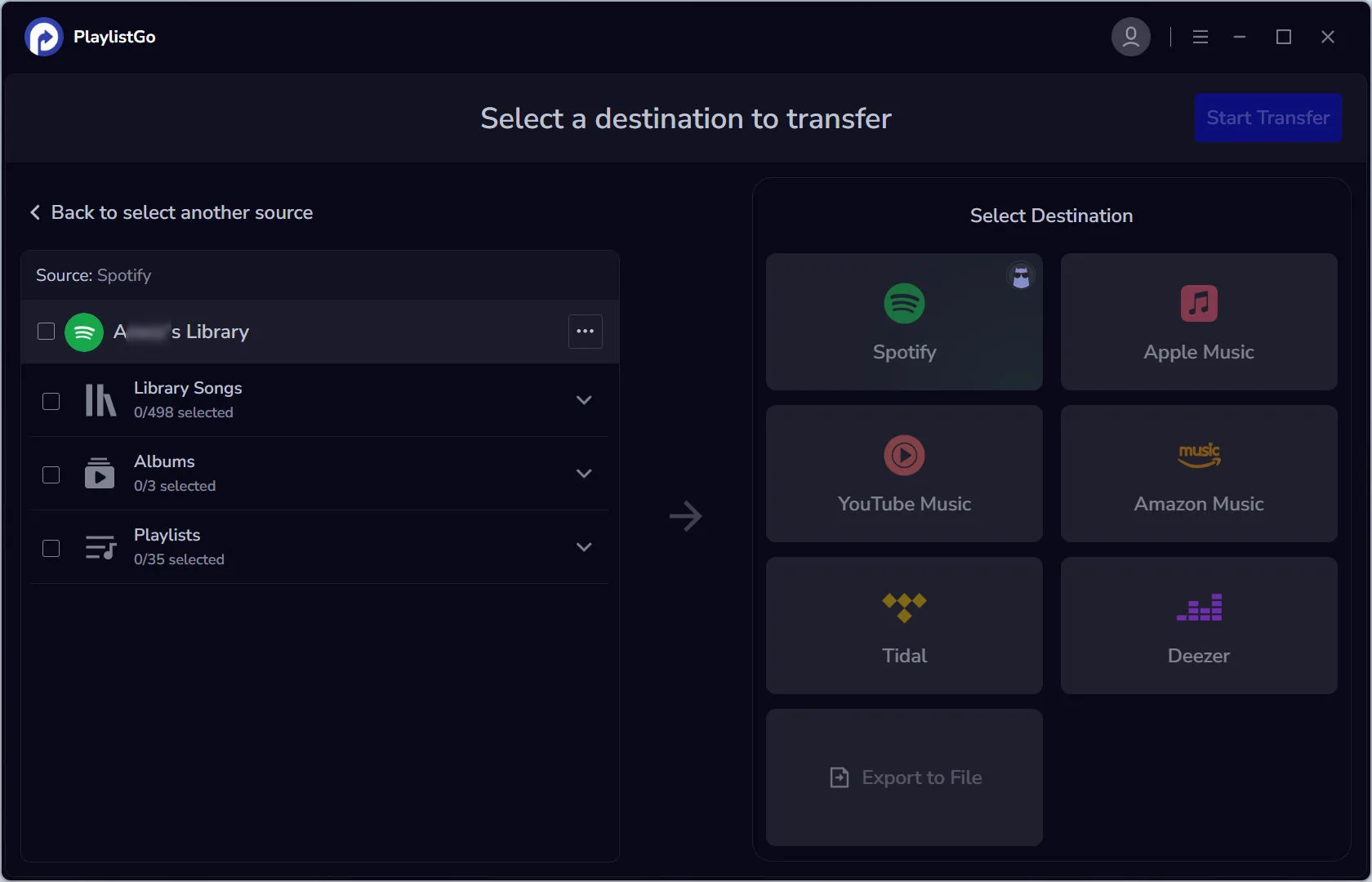
Select Spotify Music to Transfer
Check the boxes next to your Spotify Library, Liked Songs or the playlist you want to move.
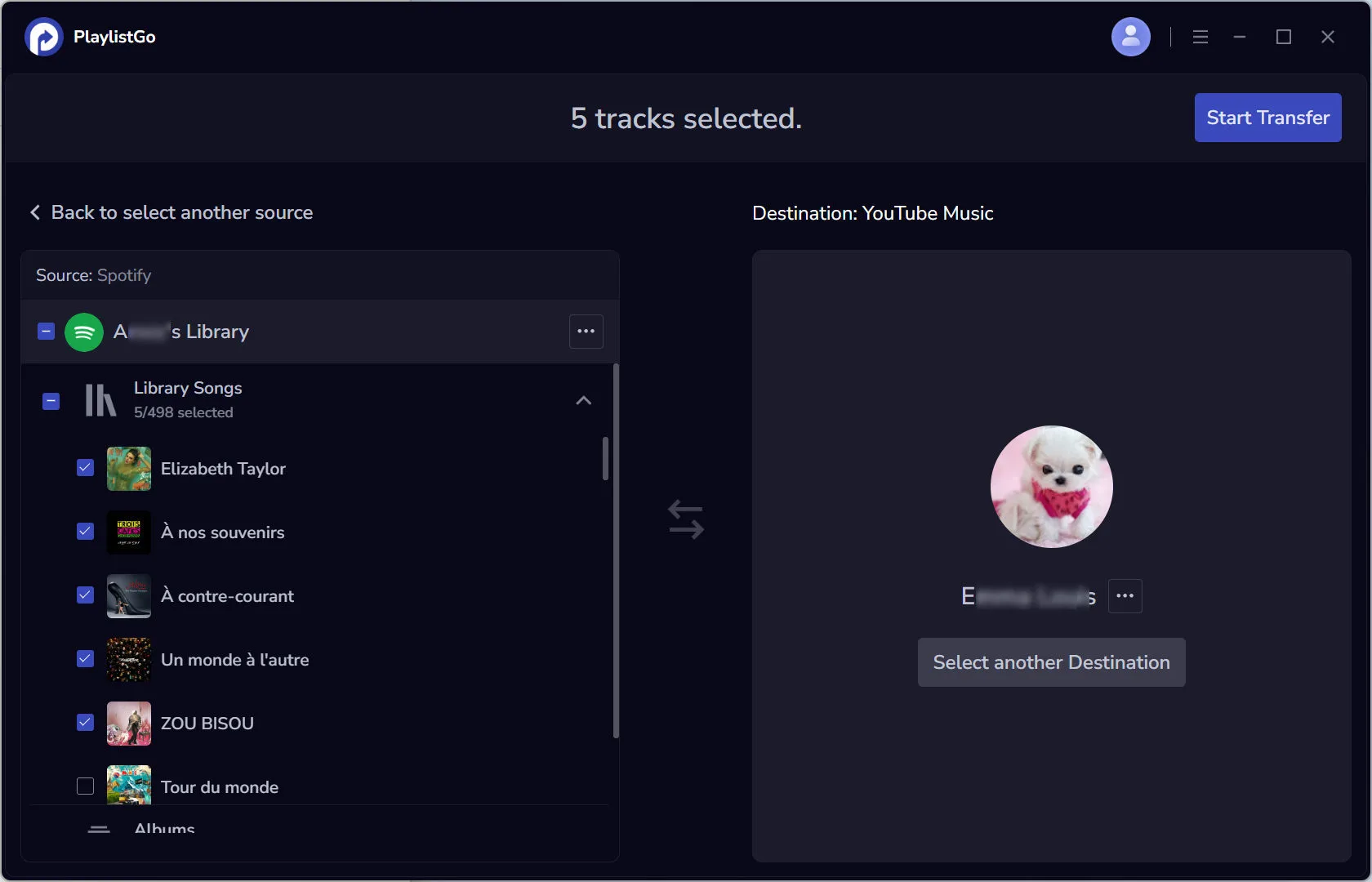
Start the Transfer
Click "Start Transfer", and PlaylistGo will immediately begin matching your Spotify songs with their equivalents on YouTube Music. A progress bar will show you the status in real-time.
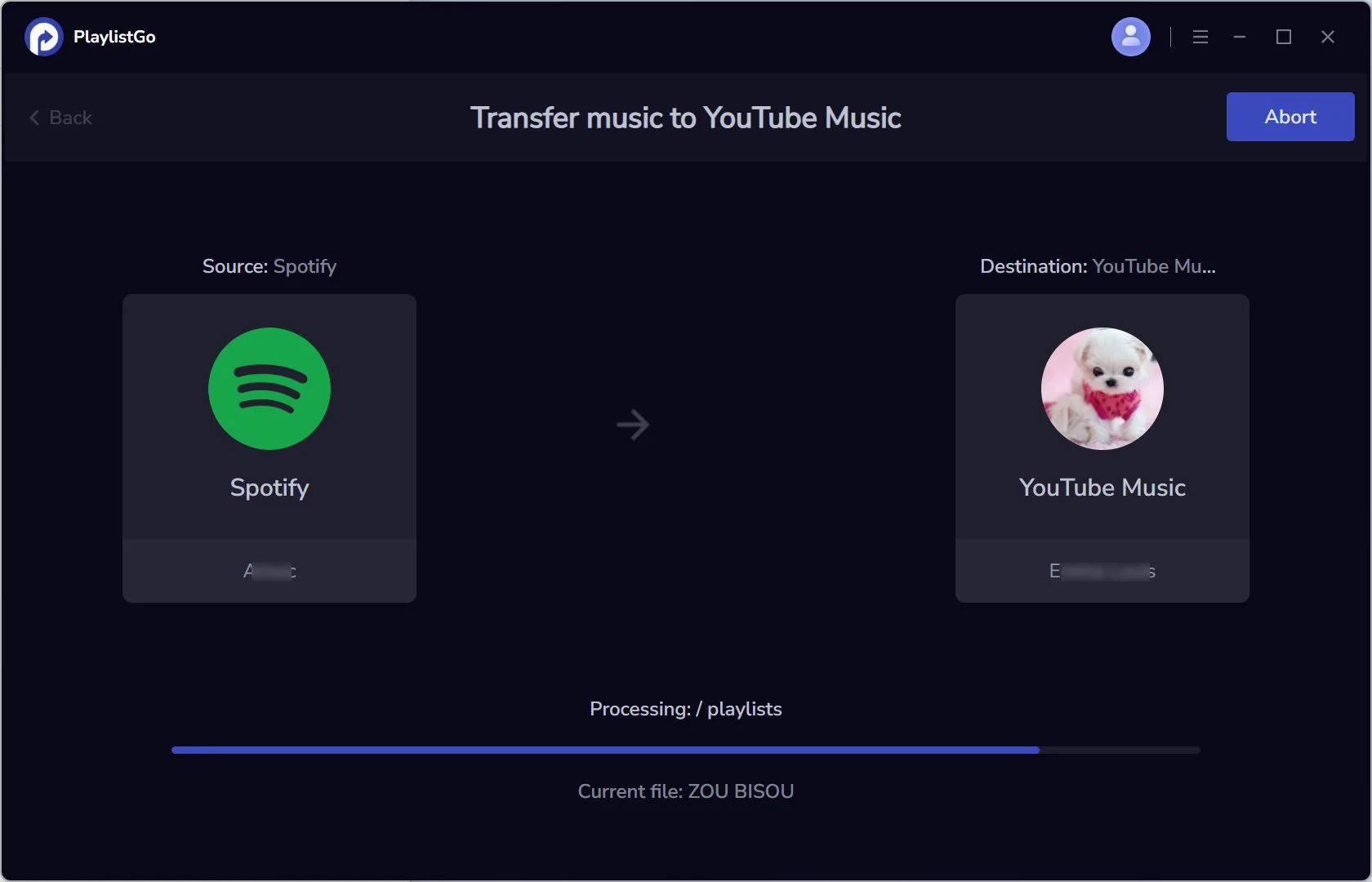
Enjoy Your Music on YouTube Music
Once the transfer is complete, open your YouTube Music app or website. Navigate to your Library. You will find all your Spotify playlists there, ready to play.
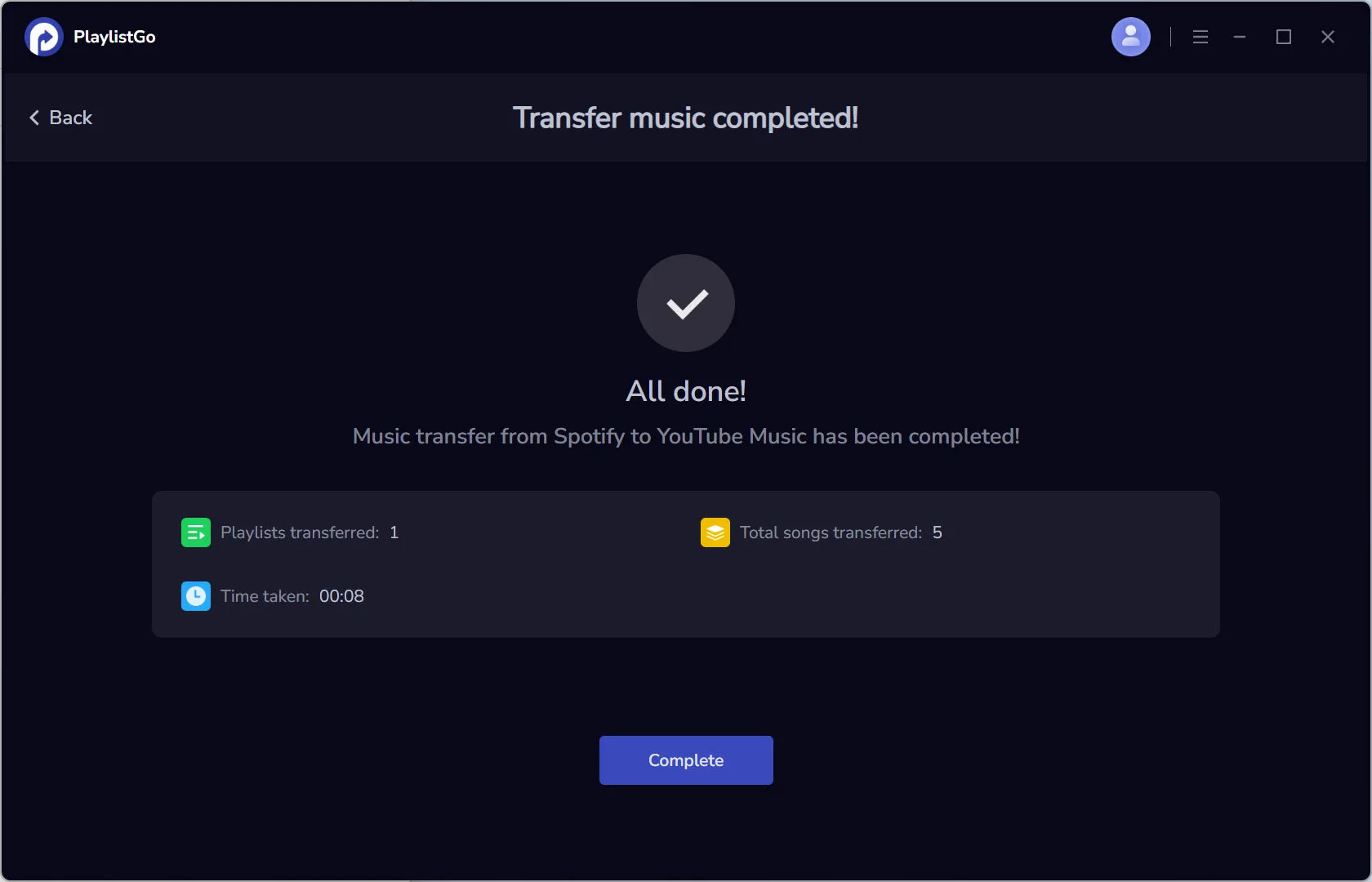
Note: PlaylistGo provides a free trial that lets you convert the first 10 files of each playlist. This allows you to explore the software's features and evaluate its transfer function before purchasing a premium plan for unlimited transfers.
Part 2. PlaylistGo vs. TuneMyMusic vs. Soundiiz
With so many playlist transfer tools available, how do you choose the right one? PlaylistGo is designed to solve specific problems that other platforms overlook. Here is how it compare against the two biggest competitors in the market.
| Feature | PlaylistGo | TuneMyMusic | Soundiiz |
|---|---|---|---|
| Free Tier Limit | 10 files of each playlist (unlimited times) |
500 songs total (one-time) |
200 songs at a time |
| Platforms Supported | Spotify, Apple Music, Amazon Music, Tidal, YouTube Music, Deezer | 20+ platforms | 40+ platforms |
| Transfer Speed | ⭐⭐⭐⭐⭐ | ⭐⭐⭐⭐⭐ | ⭐⭐⭐⭐⭐ |
| Ease of Use | ⭐⭐⭐⭐⭐ | ⭐⭐⭐ | ⭐⭐ |
| Best For | Users who want speed & simplicity | Users with large, multi-platform needs | Power users & music archivists |
| Pricing Model | Free + Affordable Premium | Free + Paid Plans | Free + Paid Plans |
Why Choose PlaylistGo?
PlaylistGo is designed for one purpose: to make playlist transfers dead simple. While other tools pack in dozens of features that most users never touch, it focuses on doing one thing exceptionally well. The interface guides you through the process in a few clear steps, and its’ smart matching algorithm ensures your songs land in the right place.
If you are not a tech-savvy and wants your Spotify playlist, Discover Weekly or Liked Songs to appear in YouTube Music without a headache, PlaylistGo is your best bet.
When to Consider TuneMyMusic
TuneMyMusic is a veteran in this space. It supports a wider range of platforms, including niche services like Deezer and Tidal. If you frequently jump between multiple streaming services or need to transfer playlists from a platform like SoundCloud, TuneMyMusic offers the coverage you need.
When to Consider Soundiiz
Soundiiz is the most feature-rich option on the market. It offers advanced tools like playlist synchronization (keeping two playlists updated automatically), batch processing, and detailed file exports. Music archivists, DJs, and users managing hundreds of playlists will appreciate its depth.
The Verdict
| Your Need | Recommended Tool |
|---|---|
| Simple Spotify to YouTube Music transfer | ✅ PlaylistGo |
| Transfer between 20+ different platforms | ✅ TuneMyMusic |
| Advanced playlist management & syncing | ✅ Soundiiz |
Part 3: Frequently Asked Questions
We know you might have questions about safety, song matching, and what happens after the transfer. Here are answers to the most common concerns.
Yes, completely safe. PlaylistGo never stores your password.
- You log in directly through Spotify's or Google's own login pages.
- The access tokens can be revoked by you at any time through your account settings.
- PlaylistGo only requests permission to view and create playlists — It cannot delete your music or access other personal data.
For added security, you can revoke PlaylistGo's access immediately after your transfer is complete.
No transfer tool can guarantee 100% perfect matches because Spotify and YouTube Music have different music catalogs. Here is how PlaylistGo handles this:
- PlaylistGo’s smart matching algorithm compares song title, artist name, and album to find the best possible match.
- If an exact match isn't found, it suggests the closest alternative (for example, a live version or a remastered edition).
- Songs that cannot be matched are listed in a post-transfer report, so you know exactly what didn't transfer and can add them manually if you wish.
Typical match rates are 90-95% for popular music and slightly lower for very obscure tracks or remixes.
Part 4. Tips for a Perfect Transfer
Use consistent naming conventions
If you have multiple playlists with similar names (e.g., "Chill Vibes 1," "Chill Vibes 2"), consider renaming them clearly before transfer. This makes them easier to organize in YouTube Music later.
Transfer "Liked Songs" separately
Your Spotify "Liked Songs" is often a massive, chaotic library. If you have thousands of liked tracks, consider:
- Creating curated playlists from your liked songs first
- Transferring liked songs in batches
- Using the free tier to test a sample before committing to a full transfer
This prevents your YouTube Music library from becoming just as disorganized as your Spotify one.
Check for regional exclusives
Some artists release different versions of songs in different regions. If a track is critically important to you, search YouTube Music manually first to confirm it exists before relying on an automated transfer.
Part 5. Final Words
YouTube Music offers unique advantages that Spotify doesn't. Its deep integration with the world's largest video platform gives you access to millions of live performances, rare remixes, and cover versions you simply won't find on Spotify. Plus, if you subscribe to YouTube Premium, you get ad-free music and ad-free videos—two services for the price of one.
Your playlists have years of memories behind them. Don't leave them behind when you switch.
With PlaylistGo, moving your entire music library takes just a few clicks. No manual work. No hours lost. Just your music, exactly where you want it.
Try PlaylistGo today — and take your playlists with you.
Download PlaylistGo 100% Free to start
Safely transfer entire playlists between Spotify, YouTube, Apple Music and other platforms

