

Transferring playlists from Spotify to Apple Music, YouTube Music, or other streaming platforms has become very common. TuneMyMusic is often the first tool users try because it works online and is easy to use.
However, TuneMyMusic also comes with clear limits and concerns. The free plan is capped at 500 tracks, account authorization is required, and some users report missing tracks, wrong matches, or billing issues after subscribing.
In this guide, we review TuneMyMusic and list the best 8 safe and free TuneMyMusic alternatives updated for 2026. Whether you want a free playlist transfer option or a safer way to move large music libraries between platforms, this list helps you choose the right tool.
Part 1. What is TuneMyMusic: Pros and Cons?
TuneMyMusic is a browser-based playlist transfer tool that allows users to move playlists between major music streaming services such as Spotify, Apple Music, YouTube Music, Amazon Music, TIDAL, and Deezer. It works by matching tracks available on both the source and target platforms.
If a song does not exist on the destination service, it will not be transferred. TuneMyMusic also offers an auto-sync feature that keeps playlists updated across platforms. However, the free version is limited to 500 tracks, and unlimited transfers require a subscription.
Pros
- Web-based tool compatible with most devices
- Easy and quick online transfer, no desktop app required
- Free transfer up to 500 tracks, good for testing before paying
- Broad support for major music services
Cons
- You must authorize this third-party website to access streaming accounts or music library data
- If you forget to revoke access after the transfer, the connection can remain active longer than intended
- Premium includes up to 20 automatic sync options, which can be restrictive for large playlist transfers
- No one-time purchase; the subscription renews monthly or yearly until you cancel
- Missing tracks or wrong matches can occur in some cases
Part 2. Best 8 TuneMyMusic Alternatives [Ranked & Tested]
PlaylistGo
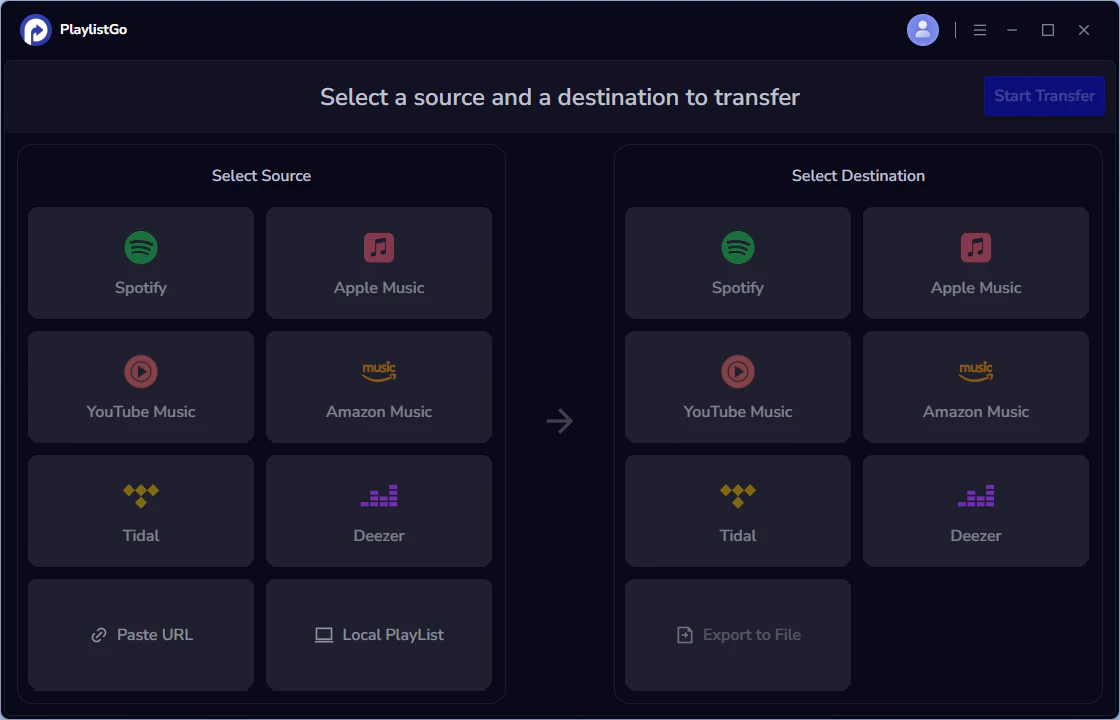
PlaylistGo is a dedicated playlist transfer tool for Windows and macOS that help you move like songs, albums, playlists and your entire music library across Spotify, Apple Music, Amazon Music, YouTube Music, Tidal, Deezer and more. PlaylistGo is best for users who want a fast, one-click desktop transfer to move multiple playlists between major streaming platforms in one go. It’s also ideal if you care about privacy and control, since the transfer process runs locally on your computer instead of uploading your data or account to the website.
| Item | Details |
|---|---|
| Compatible with | Windows, macOS |
| Supported Platforms | Spotify, Apple Music, Amazon Music, YouTube Music, TIDAL, Deezer, and more |
| Transfer Objects | Liked songs, albums, playlists, full music library, local playlists, playlist URLs |
| Import & Export | Local files in M3U, M3U8, XSPF, XML, CSV, XLS, XLSX, JSON, TXT |
| Ease of Use | User-friendly interface; easily transfer multiple playlists in one go |
| Transfer Accuracy | Up to 99% matching accuracy |
| Transfer Speed | Fast and stable |
| Free Plan | Free trial available |
| Security | Safe and reliable. All transfers run locally |
| Cons | Desktop only; no web or mobile version |
Download PlaylistGo 100% Free to start
Safely download entire playlists from Spotify, YouTube, Apple Music and 50+ platforms
How to Use PlaylistGo: Transfer Spotify to Apple Music? [3 Simple Steps]
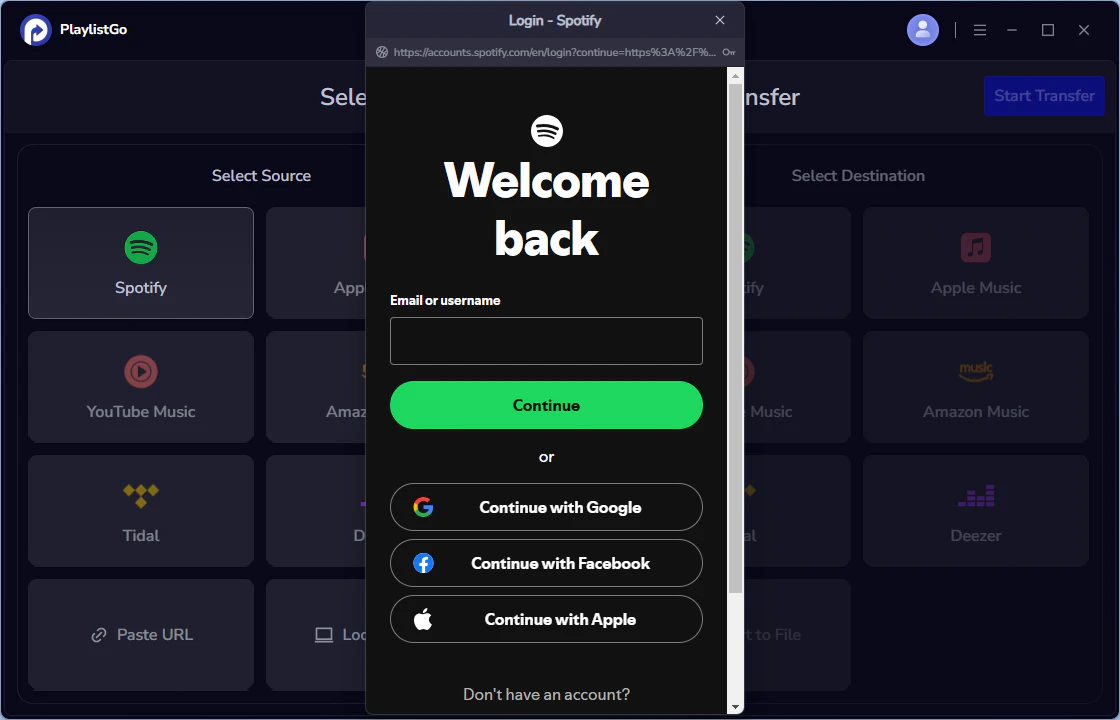
Select Spotify as the Source Platform
Launch PlaylistGo, choose Spotify as the source platform, and log in to your Spotify account. PlaylistGo will load your Spotify library.
Select Apple Music as the Target Platform
Next, choose Apple Music as the destination platform and sign in with your Apple Music account.

Start Transfer
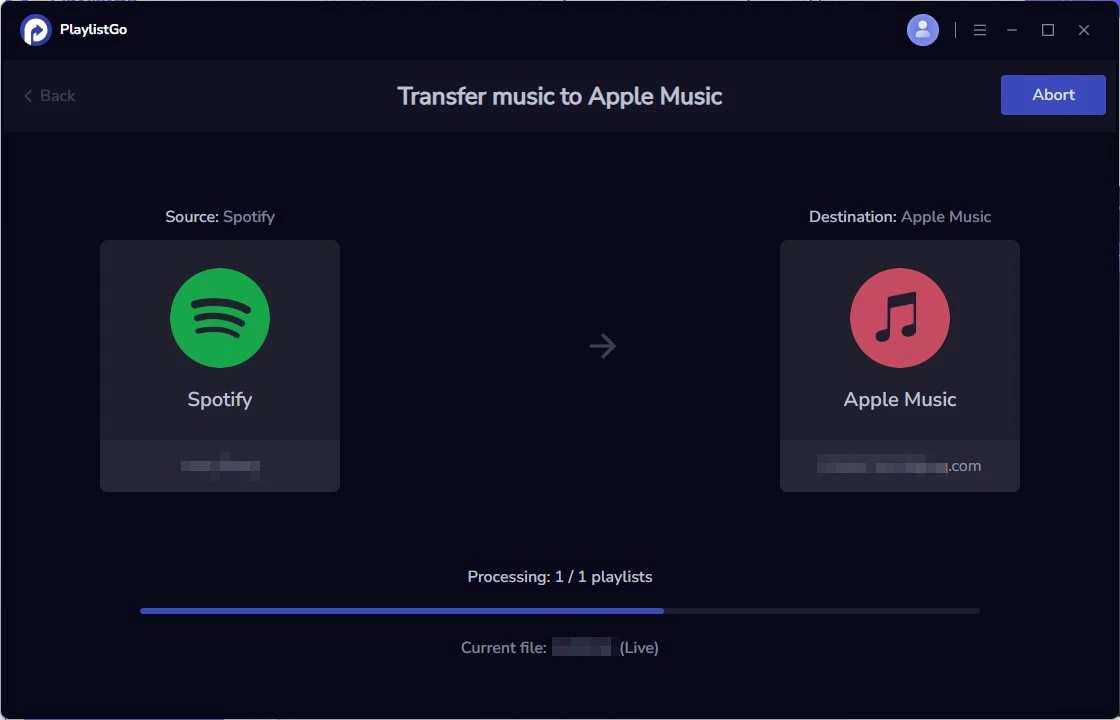
Choose the entire music library, playlists or songs you want to transfer. Then click Start Transfer to begin. PlaylistGo will automatically match tracks and migrate them to Apple Music. once finished, you can open Apple Music to check the transferred playlists.
SongShift
SongShift is a mobile playlist transfer app for iOS devices. It helps users move music between major streaming platforms such as Apple Music, Spotify, YouTube Music, TIDAL, Amazon Music, Deezer and more. SongShift supports transferring songs, playlists and albums in a simple way. For backup or portability, its import/export capability is limited: Pro offers basic file import/export JSON and TXT files, but it does not support widely used playlist formats like M3U or CSV. Matching accuracy is average and users may need to manually review results to fix missing or incorrect matches. Transfers are usually quick for small playlists, while very large playlists or full-library moves can take longer on mobile.
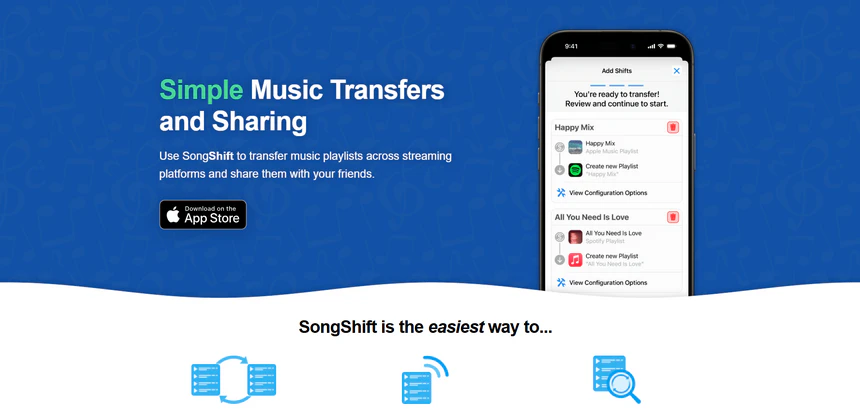
| Item | Details |
|---|---|
| Compatible with | iOS devices |
| Supported Platforms | Apple Music, Spotify, YouTube, TIDAL, Amazon Music, Deezer, SoundCloud, Pandora, Qobuz, and more |
| Transfer Objects | Songs, playlists, albums |
| Import & Export | Limited file import/export (.json, .txt) available with Pro; no support for common playlist formats like M3U or CSV |
| Ease of Use | Simple and mobile-friendly transfer with guided steps |
| Transfer Accuracy | Average; manual review may be needed to fix incorrect or missing matches |
| Transfer Speed | Quick for small playlists; large playlist transfers may take longer on mobile devices |
| Free Plan | Free for basic transfer |
| Security | Safe and legal; uses official service authorization |
| Cons | • No Windows or Android support, Apple ecosystem only • Less suitable for large playlists or entire music library transfers |
Soundiiz
Soundiiz is a web-based playlist transfer tool designed for users who want to move music libraries across a wide range of streaming platforms without installing desktop software. It supports 41+ music services, including Spotify, Apple Music, YouTube Music, and others. Soundiiz also offers playlist import and export via formats such as CSV, TXT, XML, and playlist URLs. The free transfer is limited to 200 tracks per playlist, while full transfers require a subscription with no one-time purchase option.
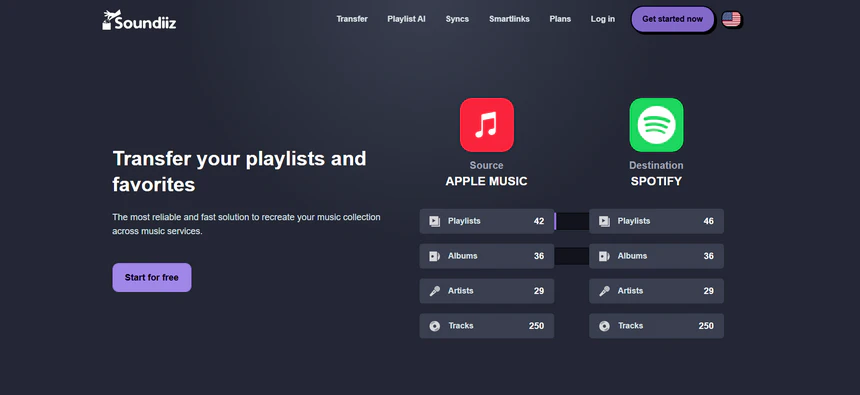
| Item | Details |
|---|---|
| Compatible with | Web-based |
| Supported Platforms | Spotify, Apple Music, YouTube Music, and 41+ other supported services |
| Transfer Objects | Playlists, favorite songs, albums, artists |
| Import & Export | Supports playlist import and export via CSV, TXT, XML, and playlist URLs |
| Ease of Use | Simple user interface with guided steps for playlist transfers |
| Transfer Accuracy | Average; unmatched or incorrect tracks are listed for manual fixing |
| Transfer Speed | Depends on playlist size and platform API limits; large libraries may take longer |
| Free Plan | Free version available with limits of up to 200 tracks per playlist |
| Security | Generally safe; revoke access after use |
| Cons | • Full transfers require a subscription • No one-time payment option, month/yearly subscription only • Possible duplicate syncs or incorrect playlist order |
FreeYourMusic
FreeYourMusic is a playlist transfer app that helps users move playlists, songs, and albums between music streaming services like Spotify, Apple Music, YouTube Music, Amazon Music, TIDAL, and Deezer. It works on Windows, macOS, Linux, iOS, and Android, and focuses on simple transfers and optional playlist syncing. The free version is limited to up to 600 tracks and one playlist, while paid plans unlock larger transfers and features like auto-sync.
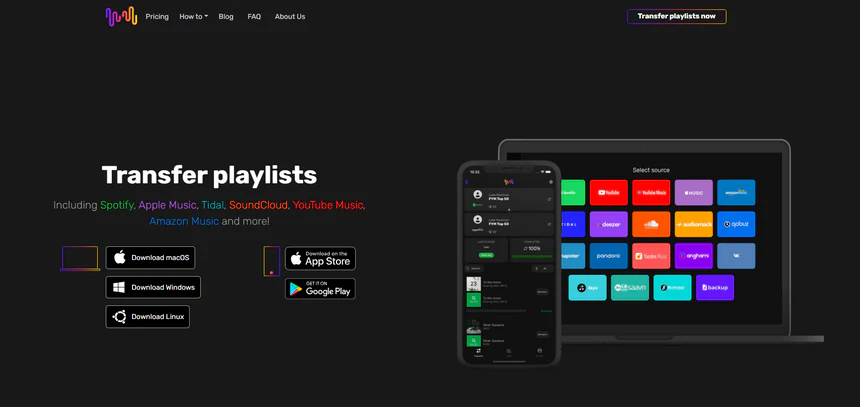
| Item | Details |
|---|---|
| Compatible with | iOS, Android, Windows, macOS |
| Supported Platforms | Spotify, Apple Music, YouTube Music, Amazon Music, TIDAL, Deezer |
| Transfer Objects | Playlists, albums |
| Import & Export | Supports file backup using Excel (XLSX) for playlist backup and migration |
| Ease of Use | Intuitive interface; playlists can be transferred in just a few steps |
| Transfer Accuracy | Smart matching system; rematch option available to fix missing or incorrect tracks |
| Transfer Speed | Depends on playlist size and internet speed |
| Free Plan | Free trial limited to 600 songs and one playlist |
| Security | Requires access to your music streaming accounts |
| Cons |
• Auto-sync may empty destination playlists if the source subscription ends • Transfers may fail or appear completed but result in empty playlists • YouTube Music may disconnect frequently and show occasional platform errors |
Playlisty
Playlisty is a playlist transfer app made mainly for Apple Music users. It helps import playlists, songs, and albums from services like Spotify and YouTube into Apple Music. The app runs on iPhone, iPad, and Mac, and is known for being fast and easy to use. The free version has limits on how many songs can be transferred, while a one-time paid upgrade removes these limits.
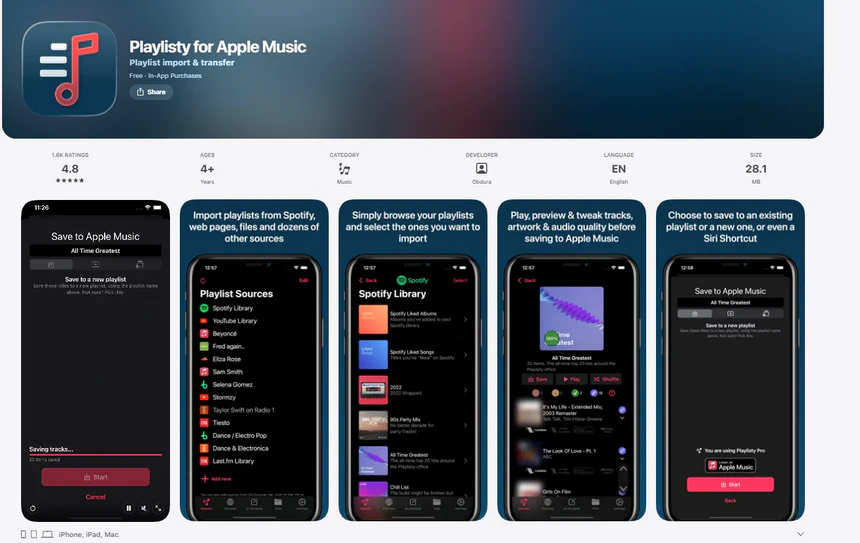
| Item | Details |
|---|---|
| Compatible with | iPhone, iPad, Mac |
| Supported Platforms | Mainly transfers into Apple Music from sources such as Spotify, YouTube Music, Deezer, and more |
| Transfer Objects | Playlists, liked songs, albums |
| Import & Export | Import via links or files; supports playlist backup to a file for Apple Music |
| Ease of Use | Simple transfer process; preview and edit matches before saving to Apple Music |
| Transfer Accuracy | Optimized for Apple Music matching |
| Transfer Speed | Fast matching speed |
| Free Plan | Free version limited to 20 tracks per playlist |
| Security | Safe for transferring playlists from other music platforms to Apple Music |
| Cons |
• Sometimes only part of a playlist is transferred • Some Spotify curated playlists cannot be moved • Large playlists may show different song counts on phone and desktop after transfer |
MusConv
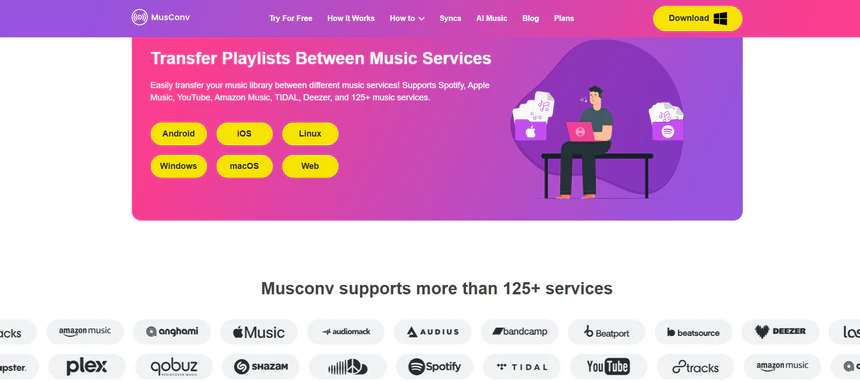
MusConv is a music playlist transfer tool that helps users move playlists, liked songs, albums, and followed artists between different streaming platforms. MusConv works across desktop, mobile, and web, which allows flexible transfers on different devices. It is commonly used for playlist transfer and recreates music content on the target platform through authorized account access.
| Item | Details |
|---|---|
| Compatible with | Windows, macOS, Linux, iOS, Android, Web |
| Supported Platforms | Apple Music, Spotify, Amazon Music, YouTube Music, and 125+ other music services |
| Transfer Objects | Playlists, albums, liked songs |
| Import & Export | Import from files such as M3U, WPL, XML, CSV, XSPF, and web URLs |
| Ease of Use | Transfer multiple playlists in just a few clicks |
| Transfer Accuracy | Medium accuracy; rematch feature available for incorrect matches |
| Transfer Speed | Fast |
| Free Plan | Free trial available for up to 14 days with limited transfer features |
| Security | Generally safe; requires third-party access to streaming accounts |
| Cons |
• Manual matching is often required and may still fail • Expensive subscription for long-term or lifetime playlist transfers |
Playlistor
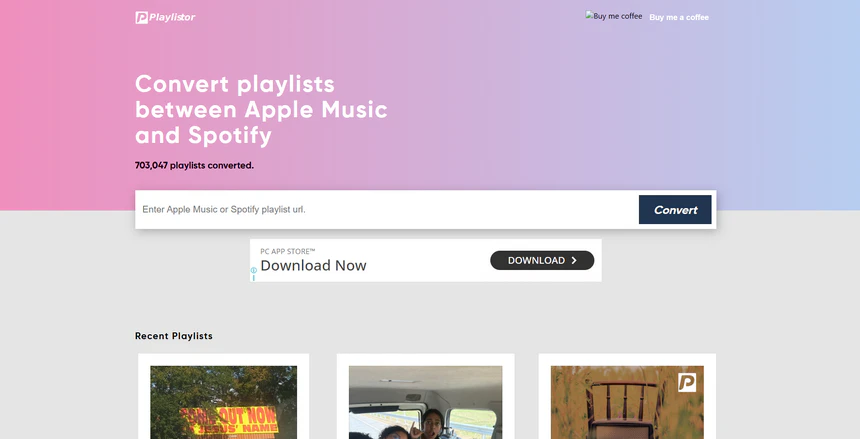
Playlistor is a free, web-based playlist transfer tool designed for moving playlists between Spotify and Apple Music. It focuses on simple playlist transfers and does not require installing any software. Users need to paste a playlist link to start the transfer, which makes it easy for beginners and casual users. Playlistor is completely free to use but the website is full of ads and redirects.
| Item | Details |
|---|---|
| Compatible with | Web-based |
| Supported Platforms | Spotify, Apple Music |
| Transfer Objects | Playlists |
| Import & Export | Playlist links from Spotify or Apple Music |
| Ease of Use | Simple transfer process with only a few steps |
| Transfer Accuracy | Good for common tracks; songs not found on the target platform are skipped |
| Transfer Speed | Medium speed depending on playlist size |
| Free Plan | Fully free; donation supported |
| Security | Generally safe to use, but includes ads and redirects |
| Cons |
• Wrong song versions may be added, such as live or remix versions • Transfer may finish but the playlist does not appear in Apple Music • No option to fix or rematch incorrect tracks |
Playlist Transfer for My Music
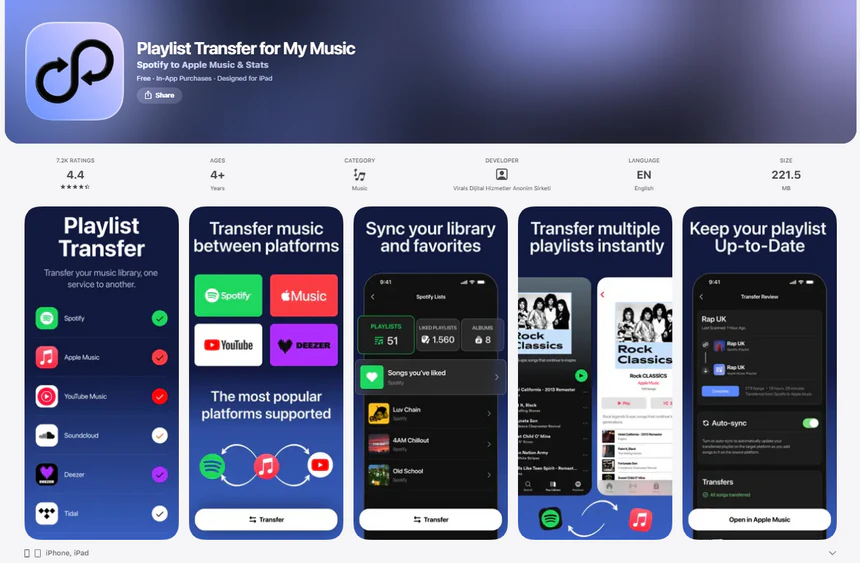
Playlist Transfer for My Music is a mobile playlist transfer app that helps users move playlists, songs, and albums between different music streaming services. It is mainly designed for phone users and works through a guided in-app process, where users choose a source service and a target service to start the transfer. The app can be downloaded for free, but most transfer features require a paid subscription, and it is often used for small playlist transfer on mobile devices.
| Item | Details |
|---|---|
| Compatible with | Android, iPhone, iPad |
| Supported Platforms | Spotify, Apple Music, YouTube, Deezer, SoundCloud |
| Transfer Objects | Songs, albums, playlists |
| Import & Export | Does not support importing or exporting via file formats |
| Ease of Use | Simple steps to choose source and target, select playlists, albums, or songs, and confirm the transfer |
| Transfer Accuracy | Automatic matching with review available before transfer |
| Transfer Speed | Fast |
| Free Plan | Free trial with basic features |
| Security | Generally safe for account access, but potential billing risks exist |
| Cons |
• Cancellation option is hard to find • Unexpected charges may occur • Incorrect or unwanted song versions can be transferred |
FAQs about TuneMyMusic
Conclusion: Which TuneMyMusic Alternative Should You Choose?
• Want desktop transfer, privacy, and large music library → PlaylistGo
• Want quick transfers on iPhone → SongShift or Playlisty
• Want completely free web transfer → Playlistor or Soundiiz
• Want many platforms supported → FreeYourMusic or MusConv

PlaylistGo – Best Desktop Transfer Tool
The fastest and most reliable way to move entire Spotify library to Apple Music, YouTube Music, TIDAL, etc. 100% offline • One-time payment • 99.7% success rate

