

TuneMyMusic and Soundiiz are the two names that come up almost every time someone searches for a playlist transfer solution. Both have been around for years and handle the core job of moving music between Spotify, Apple Music, YouTube Music, and more.
But which one actually works better in 2026? And are there real limitations you’ll only discover once you’ve started your transfer? This guide breaks down both tools honestly — covering platforms, pricing, accuracy, and speed — so you can choose with confidence.
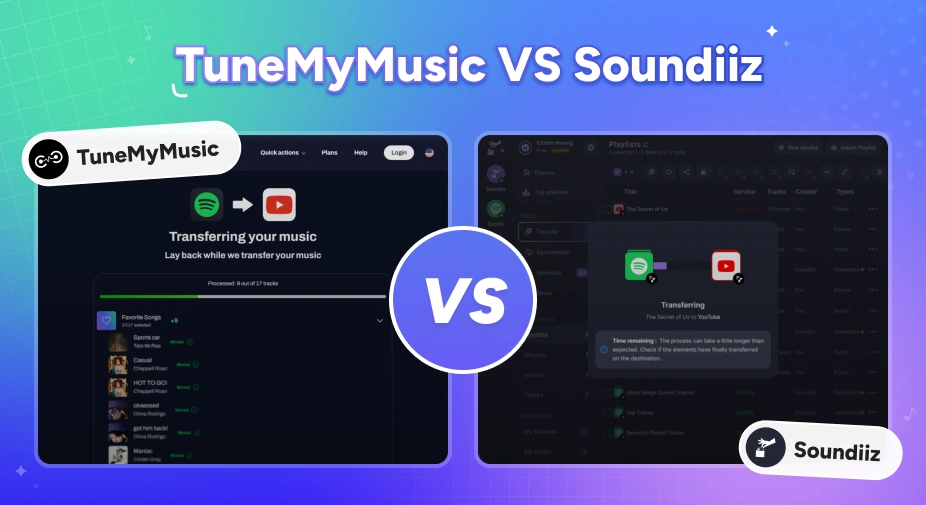
TuneMyMusic vs Soundiiz — Quick Comparison
Before diving into the details, here's a side-by-side snapshot of how the two tools stack up on the features that matter most.
| Feature | TuneMyMusic | Soundiiz |
|---|---|---|
| Desktop App | No (web-only) | No (web-only) |
| Platforms Supported | 20+ services | 40+ services |
| Transfer Speed | Moderate (~38 sec for 50 tracks) | Faster (~26 sec for 50 tracks) |
| Accuracy | ~96% | ~98% |
| Playlist Sync | ✅ (premium) | ✅ (premium) |
| Pricing | Premium $5.5/mo,$24/yr |
Premium $5/mo,$39/yr Creator $9.5/mo,$75/yr |
| Free Plan Track Limit | Up to 500 tracks | Up to 200 tracks |
Quick take: TuneMyMusic is easier for beginners; Soundiiz has a slightly steeper learning curve but offers more advanced features. Neither is perfect — but we'll get to that.
Part 1. What Is TuneMyMusic?
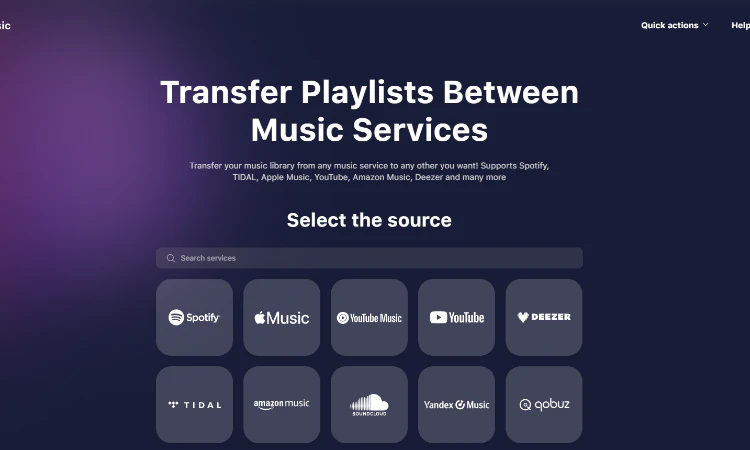
TuneMyMusic is a browser-based playlist transfer service that's been one of the most commonly recommended tools for several years. Its appeal is straightforward: you log in, select a source platform, pick your playlists, choose a destination, and let it run. No software to install, no technical setup required.
It supports a solid range of major streaming services — Spotify, Apple Music, YouTube Music, Amazon Music, TIDAL, Deezer, and others — which covers most of what the average listener needs. The free tier allows up to 500 tracks per transfer, which is enough for testing or moving a single playlist.
TuneMyMusic also offers an auto-sync feature on paid plans, which keeps your playlists aligned across platforms if you're using more than one service simultaneously.
Pros
- No installation required: works entirely in the browser
- Clean, intuitive interface: very easy for first-time users to navigate
- Free tier with 500 tracks: generous enough to test the tool before committing
- Broad platform support: covers all the major services most users care about
- Auto-sync feature: useful if you maintain active libraries on multiple platforms
Cons
- Track accuracy issues: around 96% match rate in testing, with some tracks in the wrong order
- No user-side rematch option: if a track gets matched incorrectly, you can't fix it within the tool
- Large playlist limitations: some users report transfers failing or stalling with very large libraries
- Cloud-based account access: you must authorize TuneMyMusic to access your streaming accounts
- No real-time sync reliability: auto-sync can be inconsistent, particularly for large playlist collections
Best 8 Safe TuneMyMusic Alternatives in 2026
Looking for a safe and free TuneMyMusic alternative? List best 8 playlist transfer tools for Spotify, Apple Music, YouTube Music, and more in 2026.
Part 2.What Is Soundiiz?
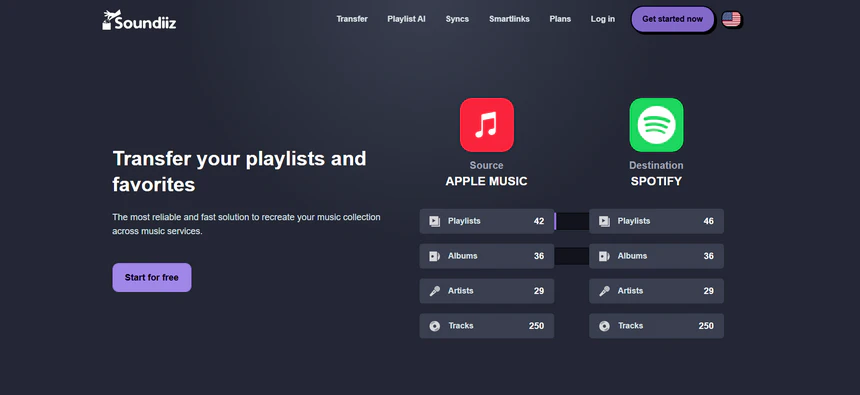
Soundiiz is another web-based playlist transfer tool, but it aims for a wider audience with support for over 41 music services — including some more niche platforms that TuneMyMusic doesn't cover. If you're migrating between less mainstream services, Soundiiz is more likely to have you covered.
Beyond basic playlist transfer, Soundiiz also supports importing and exporting via CSV, TXT, and XML files, and it can transfer not just playlists but also liked songs, albums, and followed artists (on premium plans).
The trade-off is that the interface reflects that added complexity — it's slightly less intuitive than TuneMyMusic for a complete beginner, though it's far from unusable. The free plan is also notably more restrictive, capping transfers at just 200 tracks per playlist.
Pros
- Widest platform coverage: 41+ supported services, including many smaller or regional platforms
- Higher base accuracy: around 98% match rate in testing
- AI playlist generation: enter a text prompt or select mood/genre/decade tags and Soundiiz generates a ready-to-import playlist
- Cross-platform sync: keep a playlist automatically updated across multiple streaming services
- Smartlinks for sharing: create a single shareable link that gives anyone access to your playlist regardless of which streaming service they use
Cons
- Most restrictive free tier: only 200 tracks per playlist on the free plan
- No user-side rematch: like TuneMyMusic, there's no built-in way to correct wrong track matches yourself
- Occasional sync issues: some users report duplicate entries or incorrect playlist ordering after syncing
- UI complexity: the more feature-rich interface can confuse users who just want a simple transfer
- No one-time purchase option: ongoing subscription cost with no lifetime plan available
PlaylistGo VS Soundiiz: Playlist Transfer In-depth Comparison
Explore the differences between PlaylistGo and Soundiiz in this detailed comparison. Find out which playlist transfer tool suits your needs across streaming platforms.
Download PlaylistGo 100% Free to start
Safely transfer entire playlists between Spotify, YouTube, Apple Music and other platforms
Part 3. Key Differences Between TuneMyMusic and Soundiiz
Ease of Use
TuneMyMusic is the simpler option. The whole process is just three steps — pick a source, pick a destination, start — and you're done. No setup, no reading required.
Soundiiz has more features, but that means a busier interface. First-time users often need a few minutes just to find where things are. It's not hard to learn, but it's clearly built for people who want more control rather than a quick transfer.
Winner: TuneMyMusic — simpler workflow that anyone can get through in under a minute.
Supported Platforms
Soundiiz supports 41+ services; TuneMyMusic covers around 20. For most people moving between Spotify, Apple Music, YouTube Music, Amazon Music, TIDAL, or Deezer, both tools work fine. But if you're on a smaller or less common platform, Soundiiz is more likely to have it covered.
Winner: Soundiiz — 41+ supported services versus TuneMyMusic's 20+.
Transfer Speed
In testing with a 50-track playlist, Soundiiz finished in about 26 seconds versus TuneMyMusic's 38 seconds. For small playlists the difference is minor, but it adds up with larger libraries. Both tools can also slow down due to limits set by the streaming platforms themselves, which sometimes causes transfers to pause mid-way.
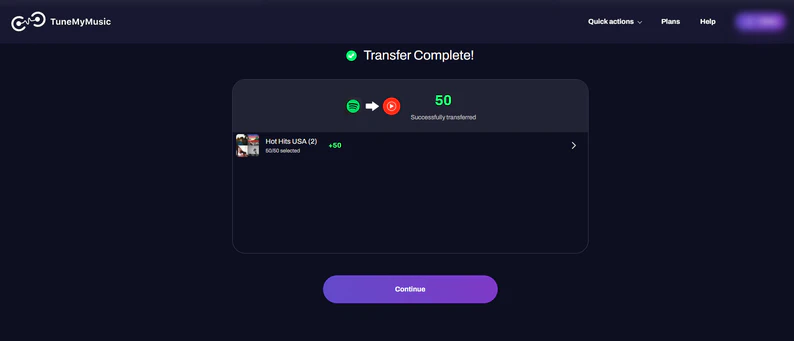
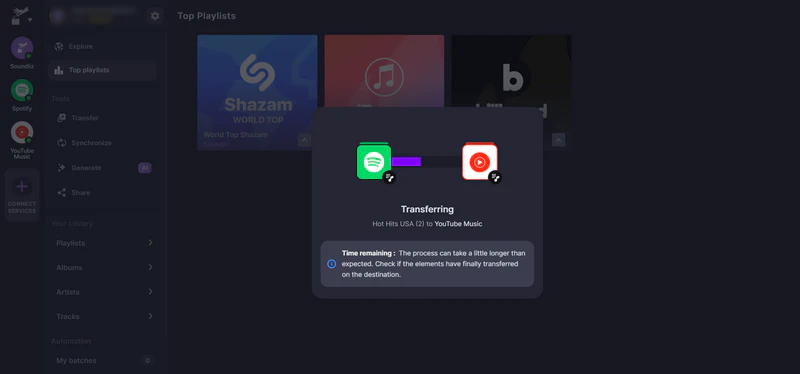
Winner: Soundiiz — consistently faster in testing, and the gap grows noticeably with larger libraries.
Playlist Accuracy
Soundiiz comes in at roughly 98% accuracy; TuneMyMusic sits around 96%. The bigger issue with TuneMyMusic is track ordering — songs sometimes arrive in the wrong order, and you might get a live or remix version of a track instead of the studio one. Soundiiz is more consistent, though neither tool gives you a way to fix wrong matches directly inside the app.
Winner: Soundiiz — higher match rate and fewer ordering errors.
Pricing
Both tools are subscription-only with no one-time payment option. On pricing, TuneMyMusic Premium is the cheaper paid option at $2/mo (annual), versus Soundiiz Premium at $3.25/mo. Auto sync slots are comparable between TuneMyMusic Premium and Soundiiz Premium (both 20 slots), but Soundiiz Creator pulls ahead with 50+ slots for heavier users.
On the free side, TuneMyMusic allows up to 500 tracks per transfer, while Soundiiz caps it at 200. If you just need a small, one-time transfer, TuneMyMusic gives you more room without paying.
| TuneMyMusic Premium | Soundiiz Premium | Soundiiz Creator | |
|---|---|---|---|
| Monthly Price | $4/mo | $5/mo | $9.50/mo |
| Annual Price | $2/mo ($24/yr) | $3.25/mo ($39/yr) | $6.25/mo and up ($75/yr and up) |
| Free Trial | Up to 500 songs | Up to 200 songs | Up to 200 songs |
| Auto Sync Slots | 20 | 20 | 50+ |
Winner: TuneMyMusic — lower annual price and a more generous free tier (500 tracks vs 200).
Part 4. Best Alternative to TuneMyMusic and Soundiiz
Despite their differences, TuneMyMusic and Soundiiz share a set of persistent problems that appear repeatedly in user discussions on Reddit, Apple community forums, and music enthusiast communities. Here are the issues that come up most often with both TuneMyMusic and Soundiiz:
- Missing songs after transfer
- Wrong track versions
- Login and authentication errors
- Slow or stalled transfers for large libraries
- Sync creating duplicates
- No recovery option
If you're moving a small, casual playlist, you'll probably be fine. If you're migrating a serious music library, the limitations start to matter.
PlaylistGo: Transfer Playlists Without the Missing Tracks and Duplicates
PlaylistGo is built around the specific problems that frustrate TuneMyMusic and Soundiiz users most. It does one thing and does it well: move your music without losing anything. It connects all the major platforms — Spotify, Apple Music, Tidal, YouTube, Deezer, and Amazon Music — and carries over not just the tracks, but the album art and playback order too.
Beyond transfers, it doubles as a backup tool. Your playlists can be exported in over ten formats: M3U, M3U8, PLS, XSPF, XML, CSV, XLS, XLSX, JSON, and TXT. And if you've got local playlists sitting on your device, PlaylistGo can push those directly to any streaming platform — no manual re-adding required.
Rather than running as a web app that processes your data on remote servers, PlaylistGo is a desktop application for Windows and macOS that performs the entire transfer locally on your device.
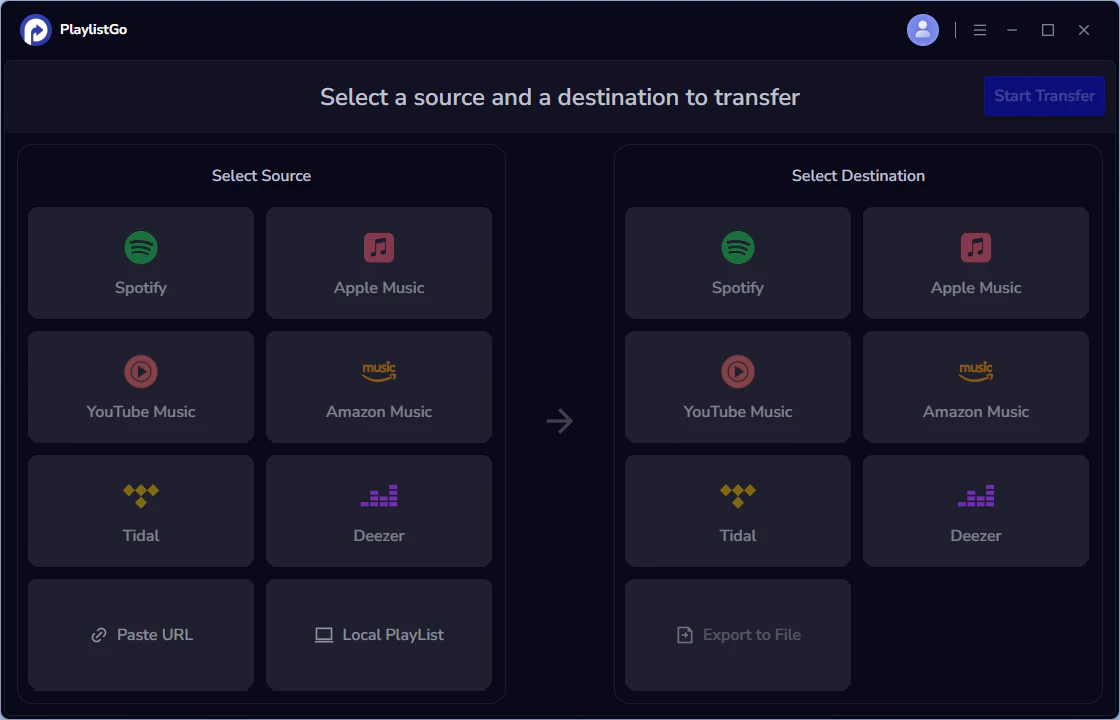
| Item | Details |
|---|---|
| Compatible with | Windows, macOS |
| Supported Platforms | Spotify, Apple Music, Amazon Music, YouTube Music, TIDAL, Deezer, and more |
| Transfer Objects | Liked songs, albums, playlists, full music library, local playlists, playlist URLs |
| Import & Export | Local files in M3U, M3U8, XSPF, XML, CSV, XLS, XLSX, JSON, TXT |
| Ease of Use | User-friendly interface; easily transfer multiple playlists in one go |
| Transfer Accuracy | Up to 99% matching accuracy |
| Transfer Speed | Fast and stable |
| Free Plan | Free trial available |
| Security | Safe and reliable. All transfers run locally |
| Cons | Desktop only; no web or mobile version |
Download PlaylistGo 100% Free to start
Safely download entire playlists from Spotify, YouTube, Apple Music and 50+ platforms
Feature 1: Higher Match Accuracy
PlaylistGo achieves up to 99% matching accuracy. That's not just a marketing number — local processing allows for more careful matching logic without the constraints of server-side API rate limits. The tool also handles metadata more carefully, preserving playlist names, descriptions, and track order.
Feature 2: Full Library Transfers in One Go
Unlike web tools that can slow or stall on large libraries, PlaylistGo is built for entire music library migration. Liked songs, albums, multiple playlists — all transferred in a single session. You can select everything at once rather than managing playlist-by-playlist.
Feature 3: File Import/Export Flexibility
Beyond platform-to-platform transfers, PlaylistGo handles local playlist file formats including M3U, M3U8, XSPF, XML, CSV, XLS/XLSX, JSON, and TXT. If you have a playlist backed up as a file, you can import it directly. This is useful for anyone migrating from legacy media players or maintaining offline backups.
Feature 4: No Data Leaves Your Device
There's no cloud component processing your data. Your streaming account credentials and music library data stay on your computer. This is meaningfully different from TuneMyMusic and Soundiiz.
Feature 5: One-time Payment
Unlike both TuneMyMusic and Soundiiz, PlaylistGo offers one-time payment — no monthly renewal, no surprise charges, no cancellation process to navigate.
TuneMyMusic vs Soundiiz vs PlaylistGo — Full Comparison
| Feature | TuneMyMusic | Soundiiz | PlaylistGo |
|---|---|---|---|
| Supported Platforms | 20+ | 41+ | 6 (Spotify, Apple Music, Amazon Music, YouTube Music, Tidal, Deezer) |
| Free Trial | ✅ (500 tracks) | ✅ (200 tracks) | 10 songs per playlist |
| Transfer Speed | Moderate | Faster | Fast and stable |
| Matching Accuracy | ~96% | ~98% | Up to 99% |
| Full Library Transfer | Limited | Limited | ✅ (one go) |
| Local File Formats | CSV, TXT | CSV, TXT, XML | M3U, M3U8, PLS, XSPF, XML, CSV, XLS, XLSX, JSON, TXT |
| Local Processing | ❌ | ❌ | ✅ |
| Pricing | Premium $5.5/mo,$24/yr |
Premium $5/mo,$39/yr Creator $9.5/mo,$75/yr |
Premium: $14.95/mo, $24.95/yr, $47.95 one-time |
| Privacy | Cloud-based | Cloud-based | Local only |
| Desktop App | ❌ | ❌ | ✅ |
How to Move Your Spotify Playlists to YouTube Music in 2026: 3-Minute Guide
Moving your Spotify playlists to YouTube Music has never been easier. No more tedious manual searching. Just click, connect, and done.
Part 5. Which One Should You Choose?
Here's a straightforward breakdown based on your situation:
Choose TuneMyMusic if:
- Your playlist is under 500 tracks and you want to stay within the free tier
- You're a first-time user who wants the simplest possible interface
- A one-time transfer is all you need and track ordering isn't critical
Choose Soundiiz if:
- Your transfer involves a niche or regional platform outside the mainstream top 10
- You need to move liked songs, albums, or followed artists, not just playlists
- You want AI-generated playlists or Smartlink sharing for cross-platform promotion
- Slightly better match accuracy matters more to you than interface simplicity
Choose PlaylistGo if:
- You're migrating a large library and need the transfer to complete reliably in one go
- Privacy matters — you want playlist transfers processed locally, not uploaded to a remote server
- You want the highest match accuracy (up to 99%) with built-in error review
- You want a one-time purchase rather than an ongoing subscription
PlaylistGo – Best Music Library Transfer Software 2026
The only desktop app that moves your entire library (playlists, liked songs, albums) with 99.7% success rate, 100% offline, and perfect metadata preserved.
- One-click transfer to Apple Music, YouTube Music, TIDAL, etc.
- Works completely offline – your data never leaves your computer
- Lossless quality + all album artwork & ID3 tags kept
- One-time payment $49.95 – lifetime license + free updates
FAQs about TuneMyMusic and Soundiiz Playlist Transfer
Final Verdict
TuneMyMusic and Soundiiz are both real tools that genuinely work for basic playlist transfers. However, the two services share clear limitations when faced with more demanding tasks — such as large music libraries, full platform migrations, or high accuracy.
PlaylistGo fills the gap those tools leave open. It's built for users who are serious about migrating their music — not just testing with a playlist, but moving everything. Local processing, high accuracy, full library support, and a one-time purchase make it the most practical choice for anyone doing a real platform switch in 2026.

PlaylistGo – Best Desktop Transfer Tool
The fastest and most reliable way to move entire Spotify library to Apple Music, YouTube Music, TIDAL, etc. 100% offline • One-time payment • 99.7% success rate


