

PlaylistGo provides a free trial that lets you convert the first 10 files of each playlist. This trial allows you to explore the software’s features and evaluate its transfer function before making purchase.
If you’ve already purchased PlaylistGo, you can register it to remove the trial restrictions and enjoy unlimited transfer.
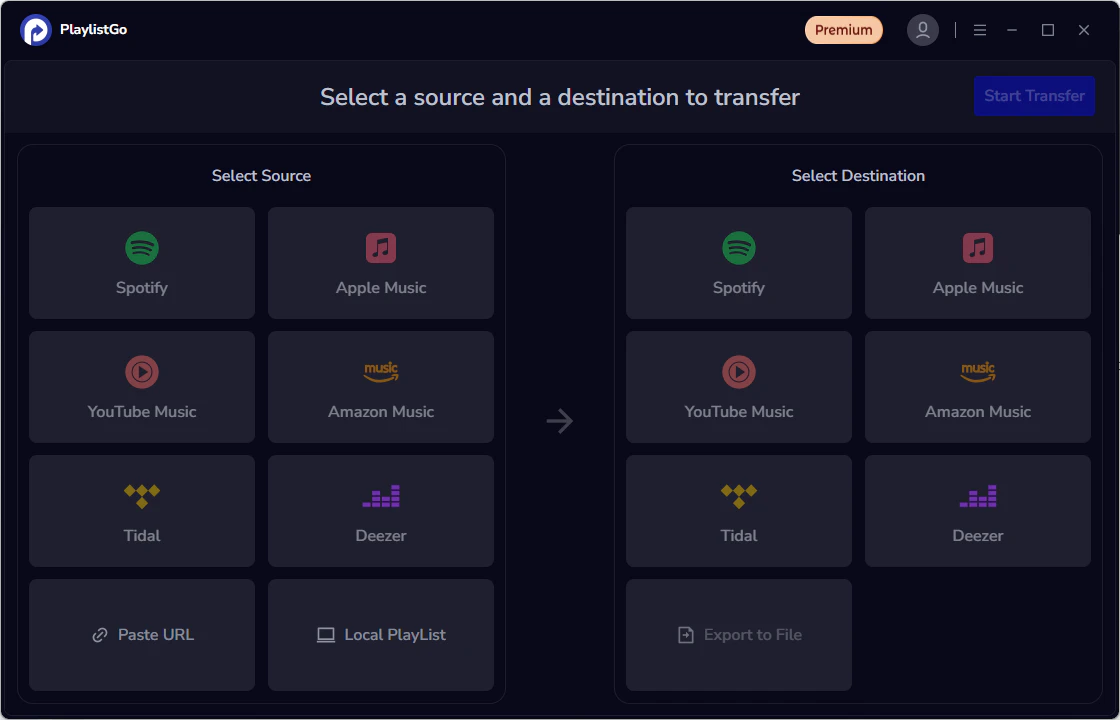
Step 1: Click the User Icon
Launch PlaylistGo, click the user icon next to “Premium” in the top-right corner to register.
Step 2: Enter License Details
After completing your purchase, you’ll receive an email containing Registration Email and Registration Code. Simply copy and paste these details into the registration window.
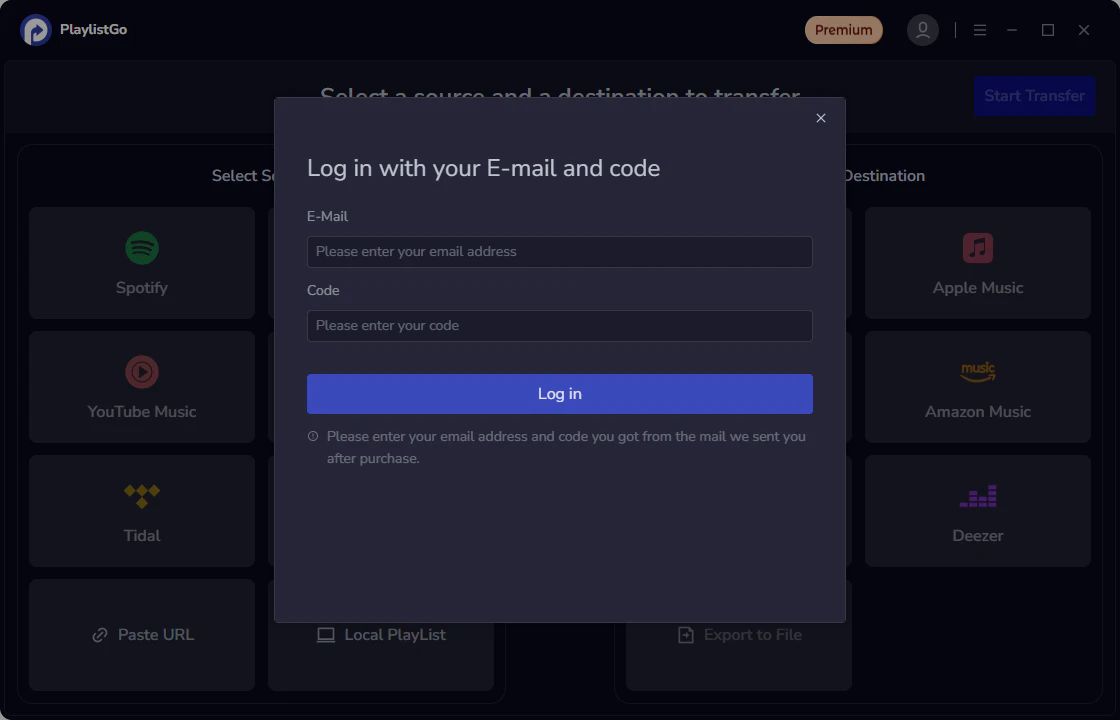
Step 3: Activate Your License
Click Register to activate your license. Once registration is complete, the trial limitation will be lifted, allowing you to transfer playlists without any limits.

