Best Playlist Transfer Tool

Transfer Playlists Between
All Major Platforms

Move playlists, albums, liked songs and more between Spotify, Apple Music, YouTube Music, Tidal, SoundCloud, Deezer, and other major music services - just in minutes.

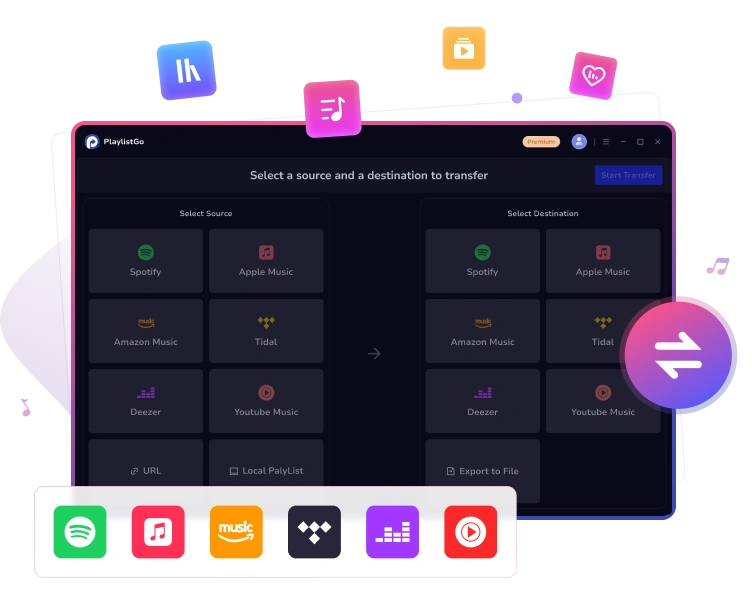
PlaylistGo transfers playlists between Spotify, Apple Music, YouTube Music and more
βœ“
3,952 Songs Transferred 99.2% matched
🎡
All Major Platforms Spotify, Apple Music & more

🎯 99.2% Match Rate
πŸ”’ OAuth Secure Login
🎡 All Major Music Platforms
⭐ 5,000+ Reviews
πŸ›‘οΈ Money Back Guarantee

All Major Streaming Platforms Supported

Transfer playlists, liked songs, and albums between all major music streaming services.

Spotify Apple Music Amazon Music YouTube Music Tidal Deezer Qobuz SoundCloud Pandora Line Music
Coming Soon Beatport
More supported platforms

Transfer All Playlists
You Care About

Transfer, match, and manage your playlists across major music services - all in one place.

πŸ“‹

Transfer Playlists

Transfer playlists between services

❀️

Move Large Library

Move your entire music library easily

πŸ’Ώ

Get a High Match Rate

Match tracks with up to 99.2% accuracy

🎀

Import & Export Playlists

Save playlist lists as CSV, TXT, etc.

Transfer playlists between music platforms

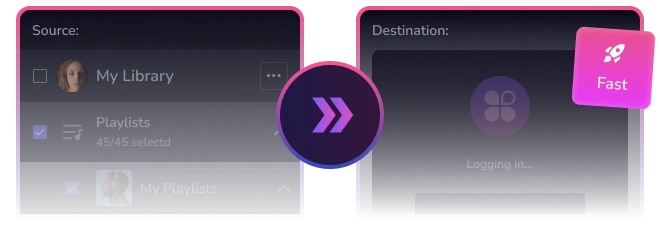
Transfer Playlists in Seconds

Move your playlists instantly across Spotify, Apple Music, Amazon Music, YouTube Music, and all major platforms with a few clicks - transfer everything in seconds.

βœ“ Unlimited Transfers βœ“ Keep Playlist Order βœ“ Save Key Metadata
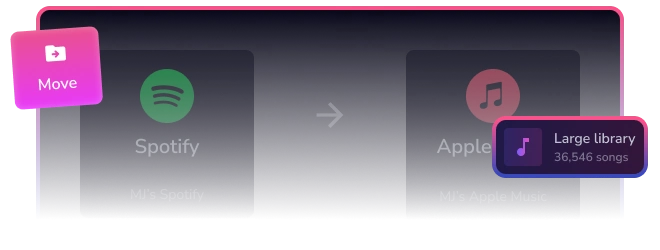
Transfer large music library stably

Transfer Large Music Libraries Reliably

Managing 10,000+ tracks? PlaylistGo can handle this easily. It runs locally on your Windows or Mac, ensuring stable, uninterrupted transfers. No cloud servers, no dropouts, no crashes.

βœ“ Supports Large Music Libraries βœ“ Transfer Data Locally βœ“ No Timeouts
Convert playlists with high accuracy

Convert Playlists with High Accuracy

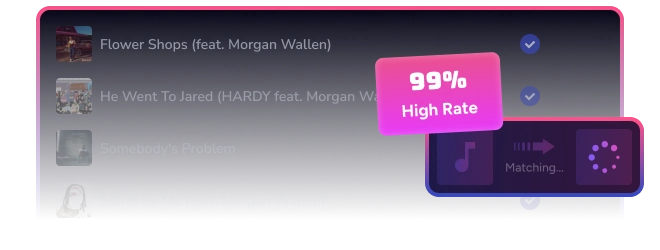
PlaylistGo matches each track using track title, artist, album, and ISRC code to find the exact version on your target platform - including remastered, deluxe, and regional releases. It delivers up to 99.2% match accuracy.

βœ“ ISRC-Based Matching βœ“ 99.2% High Accuracy Rate
Import & export playlist as local files

Import & Export Playlist as Local Files

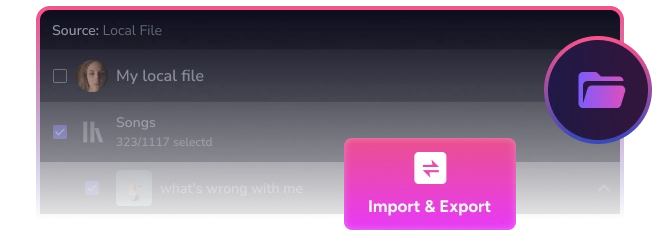
Export playlists from any streaming service into 10 common formats, including M3U, M3U8, PLS, XSPF, XML, CSV, XLS, XLSX, JSON, and TXT. You can use these files for backup or import them back as new playlists anytime.

βœ“ Import & Export Playlist βœ“ Local Backup for Safekeeping βœ“ 100% Private

What PlaylistGo Helps You With

Switch to a new music service
Switch Platforms, Keep Your Playlists Intact

Switch Platforms, Keep Your Playlists Intact

Moving from Spotify to Apple Music, YouTube Music, or any other platform? PlaylistGo transfers every playlist, album, and liked song with 99.2% accuracy. Your music library stays complete - no manual rebuilding required.

save Friend shared a playlist
Save Your Friend's Playlists Easily

Move Your Friend's Playlists to Your Favorite Platform

Got a great playlist from a friend on another platform? Just paste the link and PlaylistGo imports it directly to your music service. One click. No account switching. No manual copying.

Found a playlist online and save to library
Import New Playlists to Your Library

Import New Playlists to Your Music Library

Found a great playlist on Reddit, YouTube, or a music blog? Just paste the link to PlaylistGo, then it will directly add it to your music library in seconds. No effort required.

Backup and share playlists
Back Up and Share Your Favorite Playlists

Back Up Your Favorite Playlists and Share Them with Friends

Export your playlists as local files to create a secure backup and keep full control of your music collection. Share them easily with friends across any platform. Your music list stays safe, portable, and always accessible.

Three Simple Steps to Transfer Playlists

Get started in minutes. No technical knowledge required.

Step 1: Connect your accounts
Step 1

Select Source Platform

Choose your source music service and sign in to your account.

Step 2: Select what to transfer
Step 2

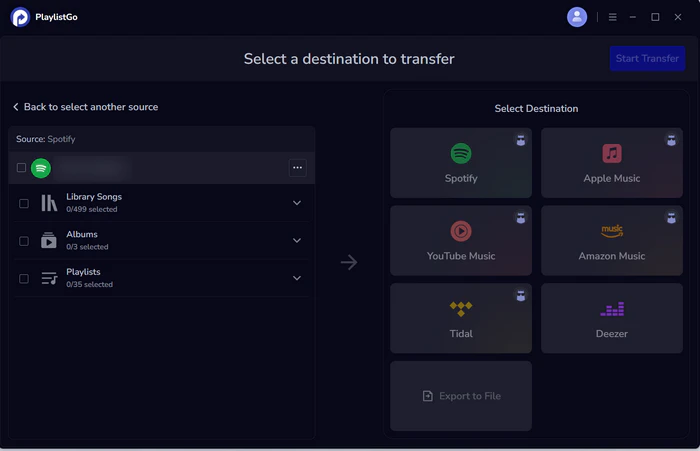
Choose Destination Platform

Choose your destination music service and sign in to your account.

Step 3: Transfer automatically
Step 3

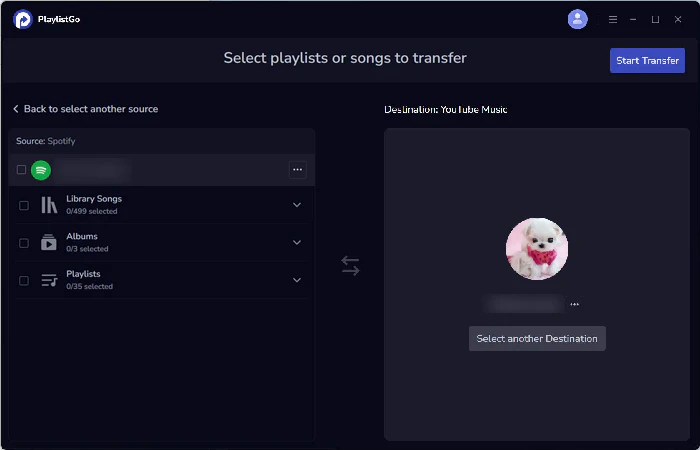
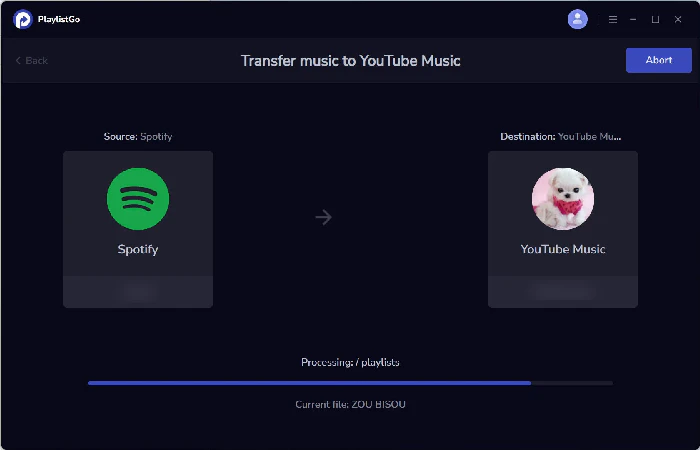
Transfer All Playlists Automatically

Choose playlists, Liked Songs, or saved albums, then PlaylistGo will move everything in minutes.

Exclusive Offer for
Returning Users Only

Save 67% Today
⚑ EXCLUSIVE CUSTOMER DISCOUNT

Regular Price:

$59.95/year

Your Price:

$19.95/year
  • βœ“ Transfer playlists across all major music platforms.
  • βœ“ Simple annual billing - cancel anytime.
  • βœ“ 5-day money-back guarantee
  • βœ“ Customer support with responses within 24 hours.
  • βœ“ No hidden fees or extra charges.
  • βœ“ Instant access after purchase - get started in minutes.

Frequently Asked Questions

Everything you need to know about PlaylistGo.

Is PlaylistGo safe to use?

βŒ„
Absolutely. Your security and privacy are our top priority. We use official, read-only access (OAuth) to connect to your streaming accounts. We never store your passwords. Your data is encrypted and only used during the transfer process.

Which music platforms does PlaylistGo support?

βŒ„
PlaylistGo supports all major music platforms including Spotify, Apple Music, YouTube Music, Amazon Music, TIDAL, Deezer, Pandora, SoundCloud, and more. We're constantly adding new platforms.

Can I transfer my entire music library at once?

βŒ„
Yes! You can transfer your entire music library including playlists, liked songs, albums, and artist follows in one go. Simply select "Transfer All" and PlaylistGo will handle everything automatically.

What's the success rate for song matching?

βŒ„
PlaylistGo achieves a 99.2% match rate using advanced song matching algorithms that compare track titles, artists, albums, and ISRC codes. For the rare unmatched songs, you'll receive a detailed report.

What should I do after subscribing to PlaylistGo?

βŒ„
After subscribing, you’ll receive a registration email at your registered address. Open PlaylistGo, click the profile icon in the top-right corner, then copy and paste your registration details from the email to unlock the full version.

I paid but didn't receive my license code. What should I do?

βŒ„
Once your payment is complete, a confirmation email with your license code will be sent to you. If you don’t see it in your inbox, please check your spam or junk folder. Still can’t find it? Contact us at [email protected], and we'll be happy to help.

Transfer Your Playlists Now

Your playlists hold years of finding new music, discovering what you like, and remembering special moments. PlaylistGo helps you take all of that with you - whether you're moving to a different music app or trying out new ones. Your music collection stays whole, no matter where you go.

Start Transferring Playlists Today, No More Rebuilding